
Building a business website quickly without technical skills often leads to frustration with slow interfaces or site builders that demand expensive upgrades. Many platforms lack a real free option, lock essential export features behind higher tiers, or restrict customization to basic templates. This comparison covers export control, editing features, and real pricing across Jigomit.com alternatives so small business owners and agencies can choose the best fit for simple, fast website publishing.
Table of Contents
Talìvo
At a Glance
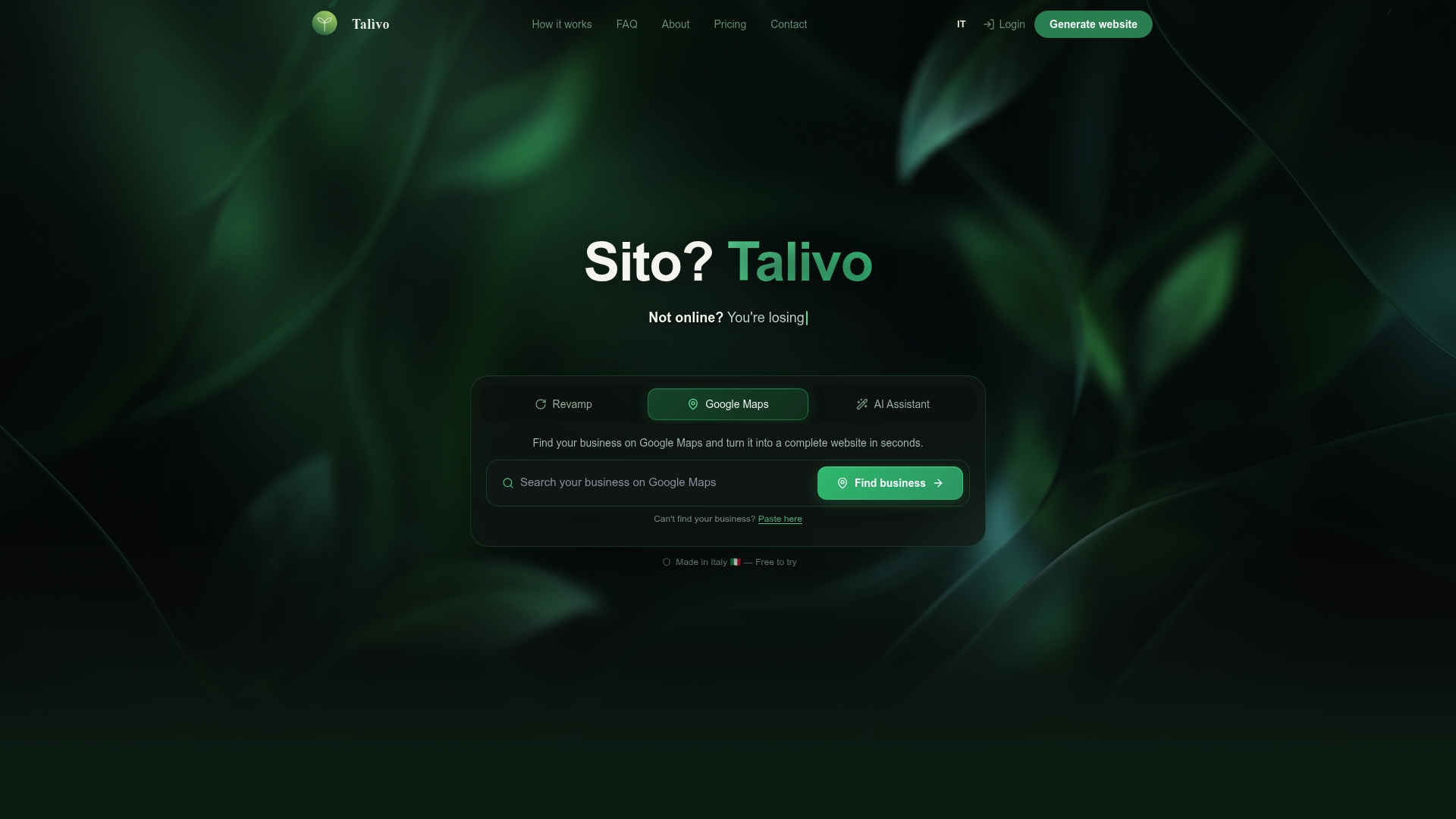
Talivo can convert a Google Maps listing into a full website that includes photos, reviews, and contact information. The platform also accepts an existing site URL and rebuilds it while preserving content and images. Talivo's marketing materials state sites can be created in minutes.
Core Features
Talivo provides three entry paths to a finished site: import from Google Maps, paste an existing URL for automatic redesign, or build from scratch with a guided AI chat. The builder produces a mobile first layout, runs automatic content analysis, and shows a live preview while you make unlimited edits. It also supports custom domains and preserves original content during redesign.
Key Differentiator
Talivo centers on a single workflow advantage: multiple, AI guided paths to get a working website quickly for small businesses. That approach combines site import from a map listing, automated redesign from an existing URL, and step by step AI guidance for zero to finished site creation.
Pros
Talivo makes basic business websites fast to produce and lowers the work needed to publish. No coding or design skills are required, and the editor keeps a live preview so you can confirm layout and content before publishing. The platform includes a free tier and a low cost Pro option that adds custom domain support and unlimited AI edits, which makes testing and small scale rollouts affordable.
Cons
- Limited customization options compared to traditional website builders or professional services
Who It's For
Talivo suits small business owners, freelancers, and local shops that need a simple, quick website without hiring a designer. It fits owners who already have a Google Maps listing or an older site they want refreshed with minimal effort. It is not aimed at developers building large or highly customized web applications.
Unique Value Proposition
Turning a Google Maps listing or an existing site URL into a ready website that shows photos, reviews, and contact details without writing new copy reduces the usual setup friction. The step by step AI guidance covers the content gap when you start from scratch, so you can launch with minimal text work. The free plan and low cost Pro tier let you try the flow before committing.
Real World Use Case
A local café imports its Google Maps listing into Talivo and gets a modern, mobile ready site populated with photos and customer reviews. The owner tweaks hours and menu items using the live preview and publishes the site the same day. The site keeps the original images, so the café avoids manual photo uploads.
Pricing
Talivo offers a free plan for basic use. The paid Pro plan starts at €4,99/month and adds custom domain support and unlimited AI edits.
Website: https://talivo.tech
Cantrip
At a Glance
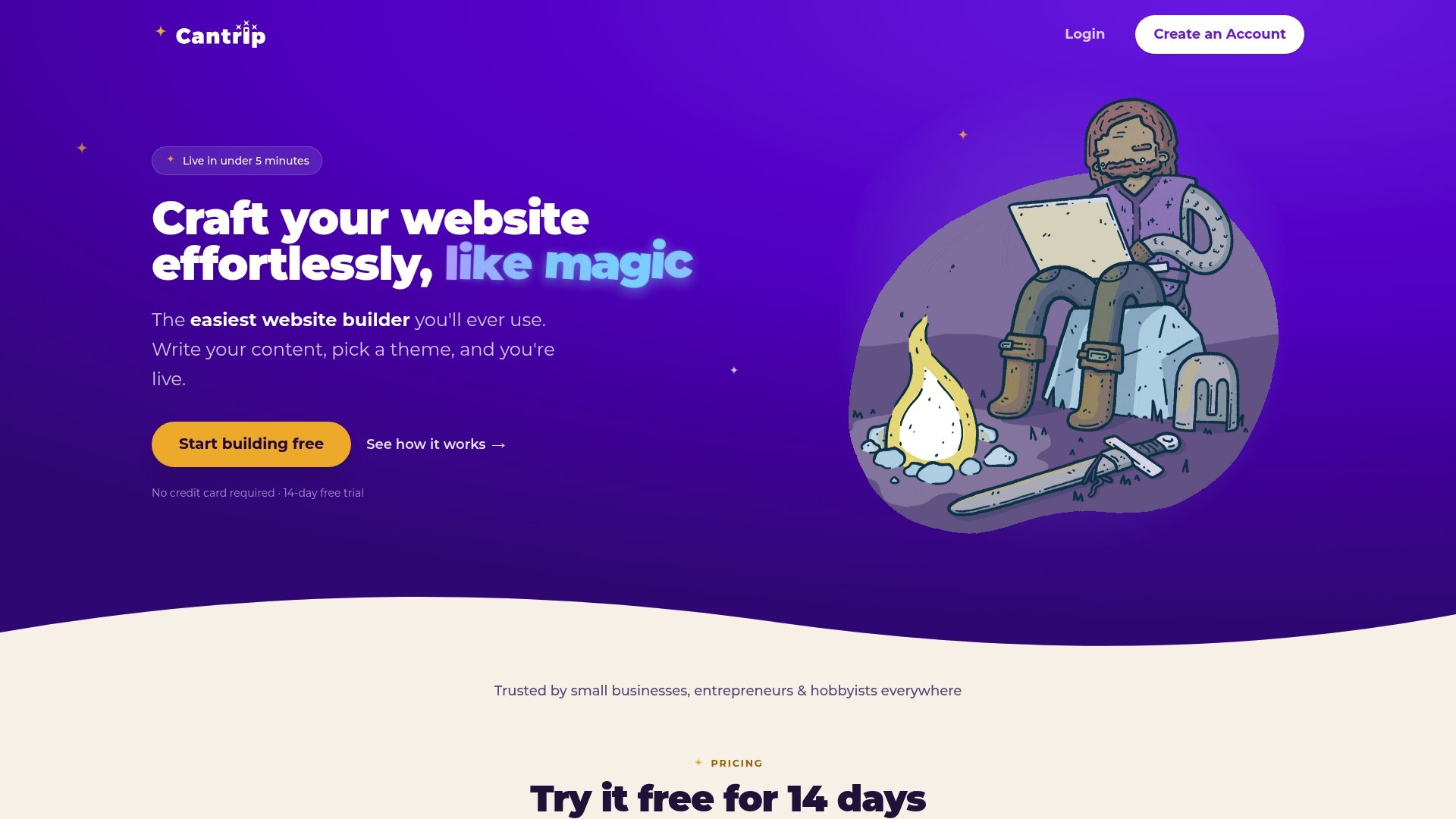
Cantrip advertises a three-step flow that gets a live site in under five minutes. The process covers writing content, picking a theme, and publishing with one click. It includes a 14-day free trial, followed by a monthly subscription.
Core Features
Cantrip handles content writing with layout management and offers theme selection that matches site style to your copy. The builder supports drag-and-drop interactive components, domain linking, one-click publishing, and basic analytics. It also includes privacy protections such as GDPR cookie consent and password-protected pages, plus backup and restore tools.
Key Differentiator
Cantrip focuses on speed and simplicity. Its defining claim is a minimal input flow that reaches a live site in under five minutes. This makes it a distinct choice for people who prioritize time to publish over deep customization.
Pros
Cantrip excels when you need a no-friction way to publish. The editor supports plain content writing with automatic layout handling, so non-technical owners can skip manual formatting. The product does not inject advertising or third-party trackers into published sites, which helps with visitor privacy. Built-in privacy controls and affordable pricing make it easy to test and keep a simple business site running.
Cons
-
Limited advanced features: The feature list is short, and the platform appears focused on basic site needs rather than complex workflows.
-
Minimal customization beyond themes and basic components: If you need fine-grained style control or custom code, the options look thin.
-
Incomplete documentation: Some feature pages returned 404 responses, which suggests gaps in public documentation or unfinished pages.
When It May Not Fit
If you run an agency that builds custom sites at scale, Cantrip will likely feel too narrow because advanced customization options are limited. If your business requires e-commerce complexity, multiuser workflows, or developer APIs, the product does not show those capabilities. Teams that need extensive documentation and developer support may find the current help pages insufficient.
Who It's For
Cantrip matches non-technical small business owners, solo entrepreneurs, and hobbyists who want a fast public presence without learning design tools. It works well for people who prefer a guided flow and who accept tradeoffs on customization for faster publishing.
Real World Use Case
An entrepreneur writes their homepage copy inside the editor, picks a theme that matches their logo, and connects a custom domain. They publish the site in minutes and use the built-in privacy settings to add cookie consent and a password for a members-only page.
Pricing
Cantrip offers a 14-day free trial, then full access for $12.00/month, cancel anytime. The vendor lists no separate tiers in the product data.
Website: https://cantrip.io
Hocoos AI Website Builder
At a Glance
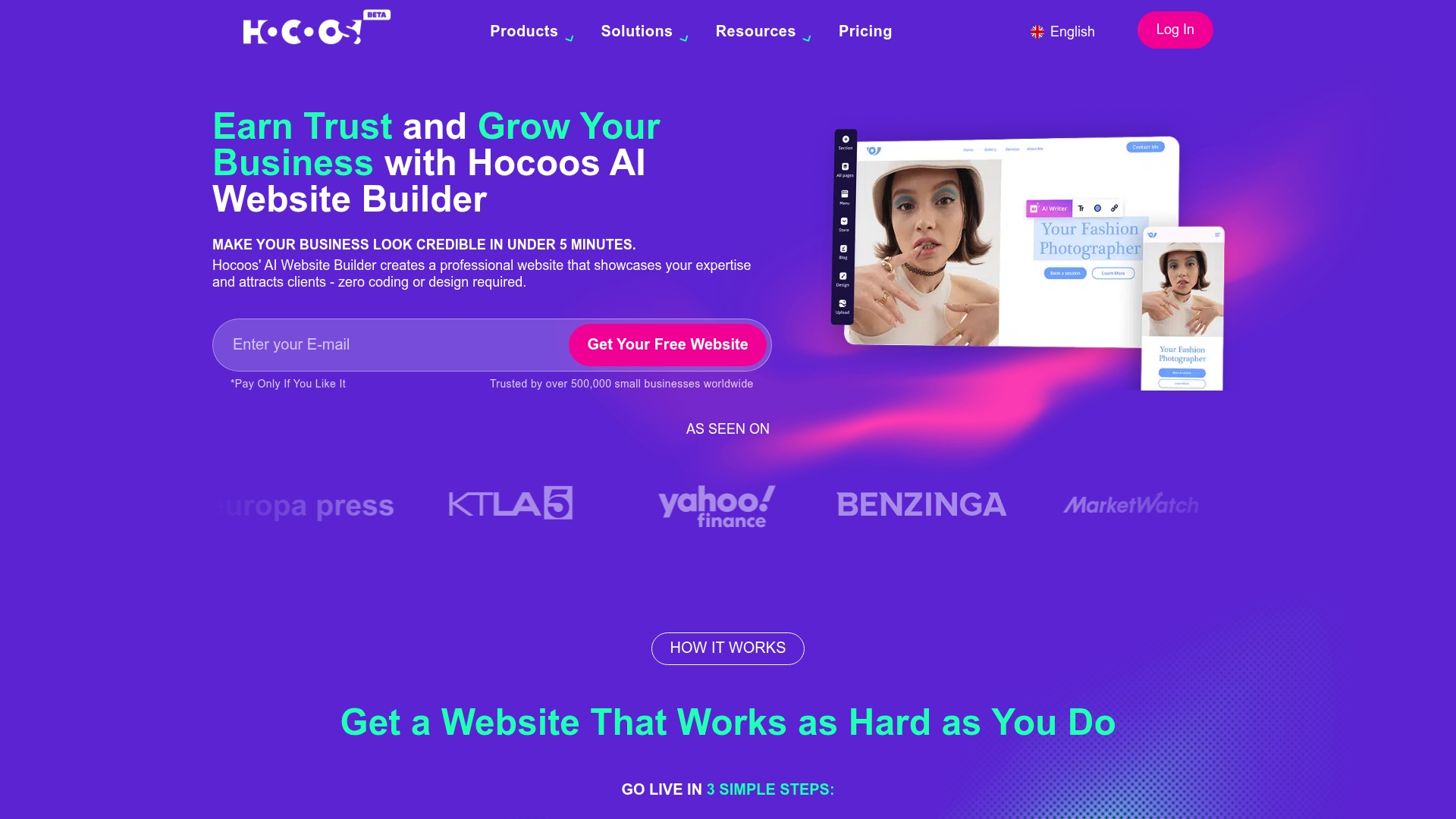
Hocoos reports the platform will discontinue in 2026, requiring users to download static website copies. That shutdown stops dynamic features such as ecommerce and forms from working after download. The builder otherwise offers one click AI site generation, built in SEO, and ecommerce tools aimed at small businesses.
Core Features
The platform uses AI powered website design and one click generation to build pages from user inputs and templates. Sites are mobile responsive and automatically optimized for speed and layout on phones and tablets. Built in SEO tools, Google Analytics integration, email campaigns, and ecommerce features handle marketing and store basics like payments and inventory.
Key Differentiator
The product centers on one click AI website generation that needs minimal input from nontechnical owners. That focus reduces setup time and lowers the learning curve for solo operators. It suits owners who want a finished site fast with marketing tools included.
Pros
The editor simplifies routine tasks with AI assisted page creation and in-editor suggestions for copy and layout. Pricing starts at $15/month, and the vendor offers a 14-day free trial for testing. Customer support is responsive, and the platform bundles SEO, analytics, email campaigns, and ecommerce in one place.
Cons
- Platform shutdown in 2026 forces users to export static copies. That process removes dynamic features that power stores and contact forms.
- Limited advanced customization beyond AI suggestions may frustrate designers who need pixel level control or custom code access.
- Buyer reviews flag problems with shutdown handling and the download process, and some features became inactive after closure.
When It May Not Fit
If you require deep template modifications or custom code, this builder will feel restrictive. Large ecommerce operations that need advanced checkout workflows or real time integrations require a different platform. Teams that need guaranteed long term hosted dynamic features should avoid it given the planned shutdown.
Who It's For
Solopreneurs, small business owners, and creatives who need a quick professional site will get the most from Hocoos. Local retailers, photographers, consultants, and service providers can launch storefronts and booking pages with minimal skill. Owners who prioritize speed and built in marketing tools will see clear value.
Real World Use Case
A boutique owner used the AI flow to generate product pages, connect payments, and start email campaigns in under a week. Search visibility improved after the owner filled built in SEO fields and published local pages. After the announced shutdown the owner downloaded a static copy to preserve site content for a new host.
Pricing
Hocoos offers a 14 day free trial before billing. Premium plans start at $15/month or $150/year for annual billing. Domain connection and a professional mailbox are available for an extra fee.
Website: https://hocoos.com
PageSmith.ai
At a Glance
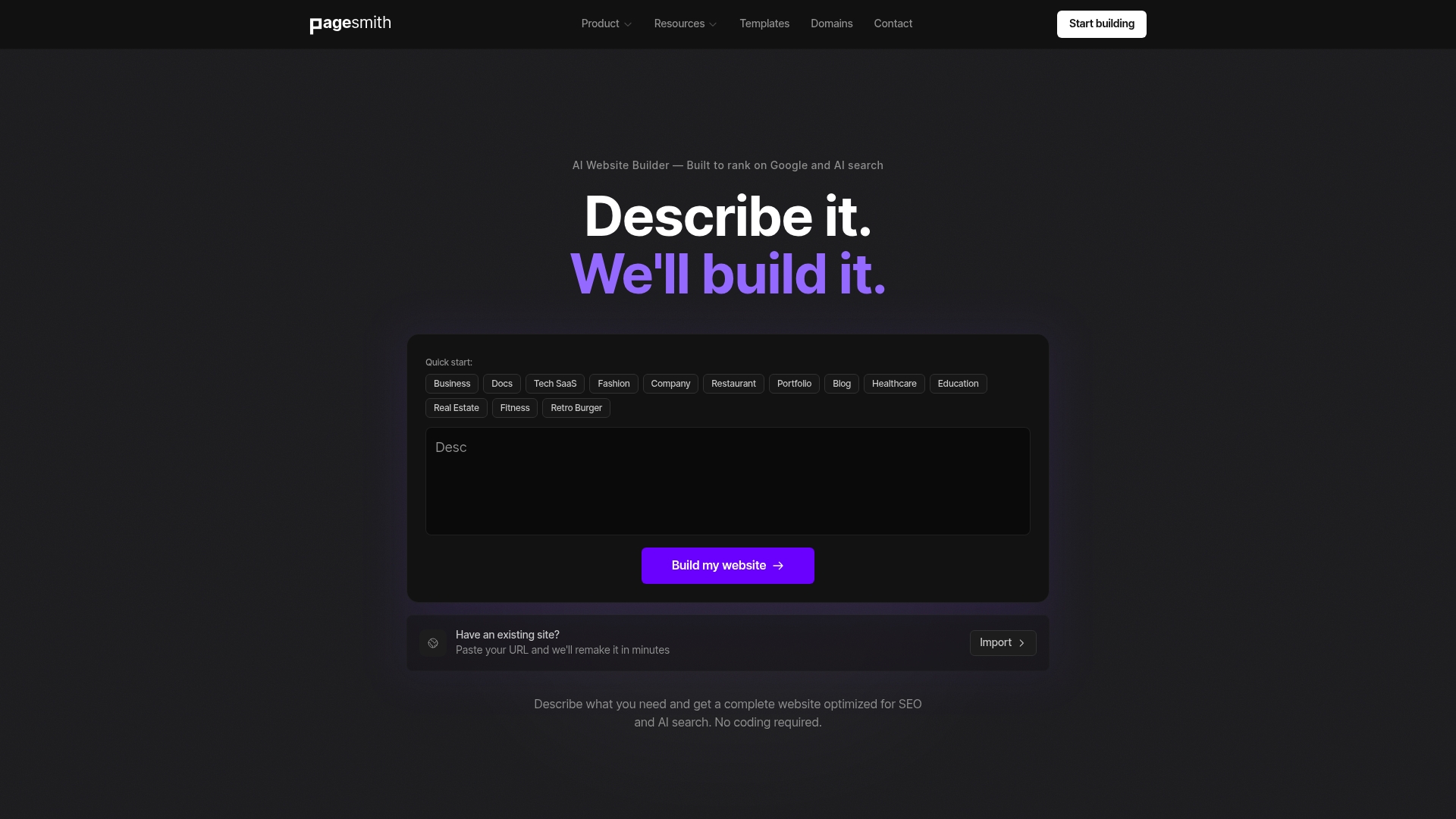
PageSmith.ai generates production ready static HTML websites from plain language descriptions. The output is designed for SEO optimized indexing and can be exported so you keep full control of the code. That export option lets you host sites anywhere and avoid vendor lock in.
Core Features
PageSmith.ai turns natural language prompts into complete sites and then outputs real HTML optimized for search engines. It includes a built in content management system with an MDX editor, integrated forms for lead capture, and analytics support. The platform exports code using Astro and Tailwind CSS, supports custom domains and SSL, and offers multiple editing tools including AI, visual, and code editors.
Key Differentiator
The platform focuses on producing fully owned, production ready static site code directly from natural language. That approach moves the authoring step into plain English while still delivering exportable HTML you can host and maintain outside the service.
Pros
PageSmith.ai builds sites that load quickly because they serve static HTML from a global CDN and avoid client side rendering. The content management features and integrated forms mean you often do not need third party plugins to publish new pages or capture leads. The ability to export site code with Astro and Tailwind CSS keeps agency and developer workflows intact, since you can hand off or self host the final assets. AI generated templates speed site creation, which helps small teams deliver landing pages and business sites in minutes.
Cons
-
Limited details on advanced customization. The vendor materials do not describe fine grained developer hooks for complex integrations.
-
Not suited to server side workflows. Projects that require heavy real time data or backend processing will need a different approach.
-
Focus on static sites may limit interactive features. If your product needs extensive client side apps or real time collaboration, this product may require workarounds.
When It May Not Fit
Choose a different tool if your project requires server side rendering, complex user accounts, or frequent database driven interactions. Agencies that need deep custom backend integrations or bespoke plugin ecosystems will find the platform narrower than a full scale CMS. Teams expecting built in support for complex dynamic apps will need to plan for additional infrastructure.
Who It's For
Individuals, small business owners, and agencies that want fast, SEO optimized static websites and full code ownership will benefit most. Designers who prefer to prototype in plain language and then hand off clean HTML will find the export option useful. Anyone who needs quick landing pages or marketing sites with simple content updates will fit this product profile.
Real World Use Case
A small digital marketing agency uses PageSmith.ai to generate client landing pages from brief descriptions, then exports the HTML for client hosting. The agency publishes pages quickly, edits content with the MDX editor, and uses integrated forms to collect lead data. The export step preserves client ownership and allows long term maintenance outside the builder.
Pricing
Plans start with a Free tier for basic use. Paid tiers include Pro at $19/month, Business at $49/month, and Agency at $99/month, each adding higher limits and team features. The pricing model is subscription based with tiers matching scale and export needs.
Website: https://pagesmith.ai
Comparison of alternatives
Creating a business website requires tools that streamline content entry, customization, and publishing to maximize efficiency while preserving quality. Each platform described performs well in its specific functional focus, yet varies significantly regarding advanced features and suited use cases.
Importing workflows versus static code ownership
Talivo offers clear advantages in AI-guided workflows which allow users to effortlessly import existing business data to build a functional web presence rapidly. In contrast, PageSmith.ai emphasizes detailed control through its exportable SEO-friendly static site code made possible via Astro and Tailwind CSS integrations. Agencies needing precise control over site hosting and customization may lean toward PageSmith.ai for its flexibility in code management.
Balancing simplicity, privacy, and advanced customization
Cantrip provides an extremely fast and straightforward publishing flow ideal for non-technical small business owners. Its built-in privacy settings such as GDPR compliance also highlight a unique focus on protecting visitor data. However, for businesses valuing a designer-led approach or asset control, tools like Talivo or PageSmith.ai are preferable due to their richer feature set oriented toward scalable or customized site creation.
Best fit
- Small business owners prioritizing rapid website creation with minimal effort will find Talivo for its ability to convert Google Maps listings into full websites efficiently.
- Agencies and developers needing SEO-ready code with full control over hosting will benefit most from PageSmith.ai, as its HTML output supports integration into custom workflows.
- Solo entrepreneurs valuing privacy and simplified design control gain clear advantages with Cantrip, given its adherence to GDPR protections and fast site assembly processes.
Our pick
Talivo stands out for its AI-powered ability to rapidly generate websites by incorporating business data. While it does not focus on detailed static HTML code ownership like PageSmith.ai, it is the preferred choice for businesses seeking quick, professional results without complex design involvement.
For users considering alternatives to jigomit.com, the table below compares platforms based on their core functionality, target users, and pricing models.
| Platform | Key Feature | Best For | Pricing | Limitation |
|---|---|---|---|---|
| Talivo | Multiple methods for AI-guided website creation | Small business owners, freelancers, local shops | Free; Pro €4.99/month | Limited customization compared to advanced builders |
| Cantrip | Guided flow for website creation under five minutes | Nontechnical owners, entrepreneurs, hobbyists | $12.00/month | Limited advanced features and incomplete documentation |
| Hocoos AI Website Builder | AI-powered design with SEO and ecommerce tools | Solopreneurs, local retailers, service providers | $15/month; $150/year | Scheduled shutdown in 2026 limits dynamic feature longevity |
| PageSmith.ai | Static site HTML generation from plain descriptions | Agencies, designers, marketers needing SEO-optimized sites | Free; Pro $19/month; Business $49/month; Agency $99/month | Narrow focus on static sites limits dynamic app capabilities |
How Small Businesses Can Quickly Build or Refresh Their Websites
Many small business owners and freelancers struggle with building a modern website without needing design skills or spending days writing new content. Talivo solves this by turning your existing Google Maps listing or outdated URL into a professional, mobile-first website in minutes. You keep all your photos, reviews, and contact details automatically. If you want to start fresh, Talivo’s step-by-step AI guidance helps you generate a complete site just by describing your business.
See how Talivo simplifies website creation for small businesses who want fast results with minimal effort. Take advantage of a solution designed specifically for local shops and freelancers who need a modern web presence now. Visit Talivo and launch your updated site with confidence today.
FAQ
How does Talivo help small business owners create websites quickly?
Talivo generates websites in minutes by importing data from Google Maps listings or existing URLs and transforming them into fully functional sites. The platform’s easy-to-use interface and live preview feature make it accessible for business owners without design skills. This allows users to publish their sites swiftly, reducing the time typically spent on website creation.
What is the difference between Cantrip and Talivo?
Cantrip excels in allowing users to create live sites in under five minutes through a simple three-step flow. Talivo, on the other hand, is better suited for users looking to easily import existing websites or listings while benefiting from AI-guided editing throughout the process. Users who prioritize speed and minimal input may prefer Cantrip, while those who want more customization should consider Talivo.
Which platform offers better customization options, Talivo or Hocoos?
Talivo allows for unlimited edits and custom domains during site creation, which offers more flexibility than Hocoos. Hocoos is primarily focused on AI-generated one-click setups and may feel restrictive for those needing extensive customization. Users looking to tweak designs should lean towards Talivo for its stronger customization capabilities.
Can I build a website with Talivo without any coding skills?
Yes, Talivo is designed for users with no coding or design experience. The platform features an intuitive interface that makes it easy for small business owners and local shops to create websites quickly. Those interested in creating a site can start without needing to write any code or hire a designer.
How much does Talivo cost for small business owners?
Talivo offers a free tier for basic use, while its Pro plan costs €4.99 per month, adding custom domain support and unlimited AI edits. This pricing model allows small businesses to test the service affordably before committing to a paid plan.