
Modern website standards are a set of technical and design requirements that determine whether a website functions, ranks, and converts in 2026. These standards cover performance benchmarks like LCP under 2.5 seconds, accessibility rules under WCAG 2.2, security protocols like HTTPS and HSTS, and SEO signals including structured data and E-E-A-T. The W3C and Google's Core Web Vitals program define the measurable thresholds that separate compliant sites from outdated ones. For small business owners, understanding current web standards is the difference between a site that earns trust and one that quietly loses customers.
What are the essential technical standards for modern websites?
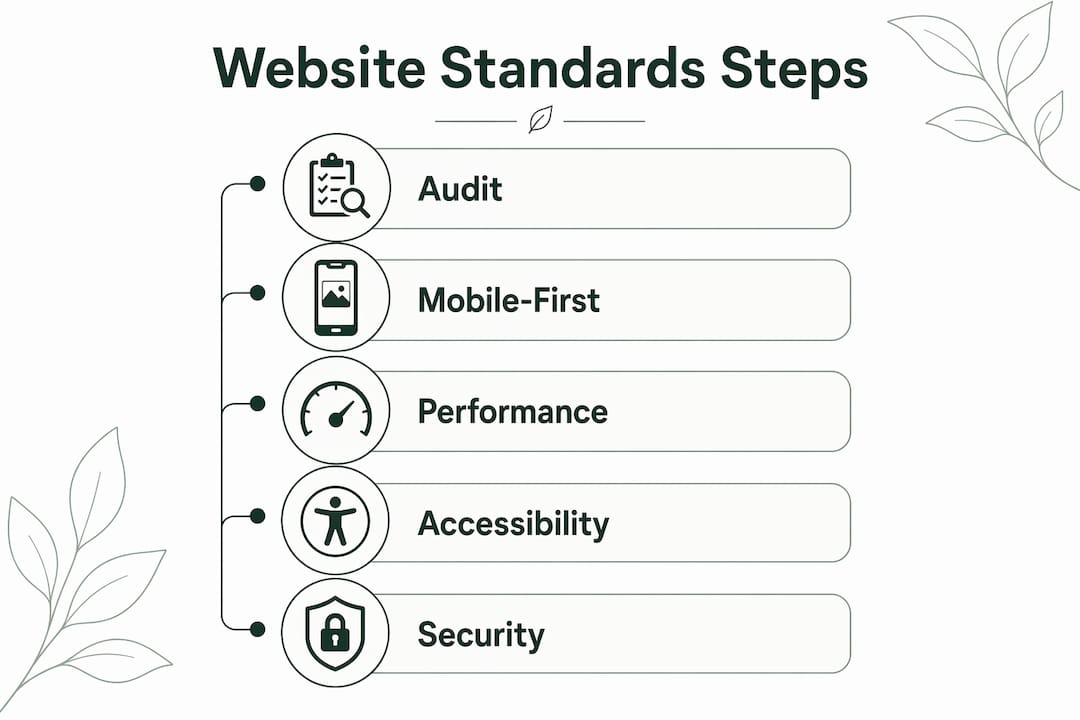
Modern website standards, known formally as web specifications published by the W3C, now require far more than valid HTML. They define how browsers render pages, how search engines index content, and how users experience every interaction.
HTML5 and CSS specifications form the structural foundation. CSS Grid and container queries let layouts respond to their container rather than just the viewport. That shift matters because it makes components genuinely portable across different page contexts without extra overrides.

Mobile-first design means building for small screens first and expanding outward. This is distinct from responsive design, which shrinks a desktop layout down. The difference shows up in load times, tap target sizes, and content priority. Google's mobile-first indexing means the mobile version of your site is what gets ranked, not the desktop version.
Core Web Vitals set three hard performance targets. LCP measures how fast the largest visible element loads. INP measures how quickly the page responds to user input. CLS measures how much the layout shifts unexpectedly. Failing any of these affects your search ranking directly.
Security standards now go beyond a basic SSL certificate. HTTPS is the minimum. HSTS forces browsers to use secure connections automatically. Content Security Policy headers block unauthorized scripts. Cookie consent policies are legally required in most markets.
Metadata standards complete the technical picture. Open Graph tags control how your pages appear when shared on social platforms. JSON-LD structured data tells search engines exactly what your content is about, which supports rich results in Google Search.
Pro Tip: Add fetchpriority="high" to your hero image tag. This single attribute can reduce LCP by 300–600ms, which is often enough to move from a failing to a passing Core Web Vitals score.
| Standard | 2024 expectation | 2026 requirement |
|---|---|---|
| Performance | LCP under 4 seconds | LCP under 2.5 seconds |
| Accessibility | WCAG 2.1 recommended | WCAG 2.2 required by W3C |
| Security | HTTPS | HTTPS + HSTS + CSP headers |
| SEO metadata | Meta title and description | JSON-LD structured data + OG tags |
| Design approach | Responsive (desktop first) | Mobile-first from the ground up |
What design principles and accessibility requirements define current web standards?
Classic design principles still apply in 2026. Visual hierarchy, contrast, alignment, and simplicity remain the foundation of every effective layout. What has changed is the layer of requirements built on top of them.
Performance is now treated as an aesthetic quality. A slow page is a bad design, regardless of how it looks in a mockup. Accessibility is no longer optional. It is a design constraint that shapes every decision from color selection to keyboard navigation. These are not burdens added after the fact. They are built into the design process from the start.
W3C advises using WCAG 2.2 as the current international accessibility standard. WCAG 2.2 requires a minimum contrast ratio of 4.5:1 for body text, visible focus indicators on all interactive elements, and sufficient tap target sizes on mobile. These rules exist because roughly one in four adults in the United States lives with some form of disability. Accessible design serves them and also improves usability for everyone else.
Modern UI trends in 2026 use purposeful depth through glassmorphism, subtle gradients, and layering to create visual hierarchy without clutter. This replaces the flat design trend of the previous decade. Depth signals importance and guides the eye without adding noise.
Pro Tip: Never remove the CSS outline property from focused elements without replacing it with a custom focus style. Removing it entirely fails WCAG 2.2 and makes your site unusable for keyboard-only visitors.
The five design and accessibility guidelines every small business site must follow:
- Maintain a 4.5:1 contrast ratio for all body text against its background
- Use visible, custom focus indicators on buttons, links, and form fields
- Design tap targets at a minimum of 44x44 pixels on mobile
- Apply motion only to communicate state changes, not for decoration
- Test color choices with a grayscale filter to verify hierarchy holds without color
How do modern website standards impact SEO and business goals?
SEO in 2026 requires structured data, Core Web Vitals compliance, and E-E-A-T signals for topical authority. Meta tags alone no longer move rankings. Google evaluates experience, expertise, authoritativeness, and trustworthiness as signals alongside technical performance. That means your site needs both clean code and credible content.
Conversion-ready UX with clear navigation and security hygiene directly supports business results. A visitor who cannot find your phone number in three seconds leaves. A visitor who sees a "Not Secure" warning in their browser leaves faster. These are not abstract UX principles. They are measurable drop-off points.
Fast loading builds trust before a visitor reads a single word. A page that loads in under 2.5 seconds signals professionalism. A page that takes five seconds signals neglect. That perception shapes whether a visitor fills out a contact form or clicks back to search results.
The seven core web standards that drive business results:
- LCP under 2.5 seconds for search ranking and first impressions
- WCAG 2.2 compliance for legal protection and broader audience reach
- HTTPS plus HSTS for user trust and browser security warnings
- JSON-LD structured data for rich results in Google Search
- Mobile-first design for Google's indexing and majority-mobile traffic
- E-E-A-T content signals for topical authority and ranking stability
- Clear, consistent navigation for conversion and reduced bounce rate
| Factor | Before 2026 shifts | After 2026 shifts |
|---|---|---|
| SEO ranking signals | Keywords and backlinks | Core Web Vitals + E-E-A-T + structured data |
| Mobile treatment | Separate mobile site or shrink-down | Mobile-first design as the primary build |
| Accessibility | Optional enhancement | Legal and ranking requirement |
| Security | SSL certificate | SSL + HSTS + CSP + cookie policy |
What practical steps can small businesses take to meet 2026 website standards?
Start with a performance audit. Google's PageSpeed Insights gives you a free Core Web Vitals report for any URL. Run it on your homepage and your most important landing page. Fix LCP first, since it has the most direct impact on rankings and first impressions.
Test on real mobile devices, not just browser emulators. Emulators miss touch behavior, font rendering differences, and real-world network conditions. If you do not own a range of Android and iOS devices, use BrowserStack or a similar remote testing service to cover the gap.
Implement WCAG 2.2 compliance in two stages. First, run an automated scan with a tool like Axe or WAVE to catch obvious failures like missing alt text and low contrast. Second, do a manual keyboard navigation test. Tab through every page and confirm you can reach and activate every interactive element without a mouse.
Secure your site beyond the SSL certificate. Ask your hosting provider or developer to add HSTS headers and a Content Security Policy. Remove any HTTP resources loaded on HTTPS pages, since mixed content triggers browser warnings and breaks CSP rules.
Pro Tip: Check your analytics platform's data ownership terms. Some free analytics tools sell your visitor data to third parties. Owning your own data means you can track funnel performance accurately and make decisions based on your actual audience, not a sampled subset.
Practical tools and practices for small businesses to maintain standards:
- Google PageSpeed Insights: free Core Web Vitals audit for any URL
- Axe browser extension: free automated accessibility scanning
- Google Search Console: monitors structured data errors and mobile usability issues
- Schema.org: reference for JSON-LD markup types relevant to local businesses
- Talivo: builds mobile-first, standards-compliant websites from a URL, Google Maps listing, or text prompt, with no technical setup required
For businesses that want to stay current without hiring a developer, AI-powered website builders that enforce standards automatically are the most practical path. Talivo's approach of converting existing listings or URLs into compliant sites means the technical requirements are handled at the build level, not added as an afterthought. You can read more about how these tools fit into the broader picture of web design and AI on the Talivo blog.
Key takeaways
Meeting modern website standards requires combining technical performance, accessible design, and structured SEO signals. No single element is enough on its own.
| Point | Details |
|---|---|
| LCP is a hard ranking threshold | Achieve Largest Contentful Paint under 2.5 seconds or risk losing search visibility. |
| WCAG 2.2 is the current standard | Apply contrast ratios, focus indicators, and tap target sizes to meet W3C requirements. |
| Mobile-first is not optional | Design for small screens first; Google indexes the mobile version of your site. |
| Structured data drives SEO results | Use JSON-LD markup so Google can generate rich results from your content. |
| Security goes beyond SSL | Add HSTS and Content Security Policy headers to protect users and pass browser checks. |
Why most small businesses get web standards backwards
Small businesses tend to treat web standards as a finishing step. They build the site, then ask about accessibility or performance as if those are coats of paint applied at the end. That sequence produces sites that look fine in a browser preview and fail in the real world.
The pattern I see most often is a beautiful homepage that scores 38 on PageSpeed Insights. The owner spent real money on design and zero time on performance. The result is a site that ranks poorly, loads slowly on mobile, and loses visitors before they read the headline. The design investment is wasted because the technical foundation was never built.
Web standards are not bureaucratic rules. They are the conditions under which your site actually works for real people on real devices. WCAG 2.2 exists because keyboard users and screen reader users are real customers. Core Web Vitals exist because slow pages cost businesses money in lost conversions.
The most encouraging shift I have noticed recently is that AI-powered tools are starting to enforce standards at the build level rather than leaving them to developers. That changes the equation for small businesses entirely. You no longer need to understand fetchpriority attributes or HSTS headers to launch a compliant site. The tool handles it. What you still need to understand is why these standards exist, so you can evaluate whether your site actually meets them.
— jacopo
How Talivo builds websites that meet 2026 standards from day one
Small business owners should not have to choose between a fast launch and a standards-compliant site.
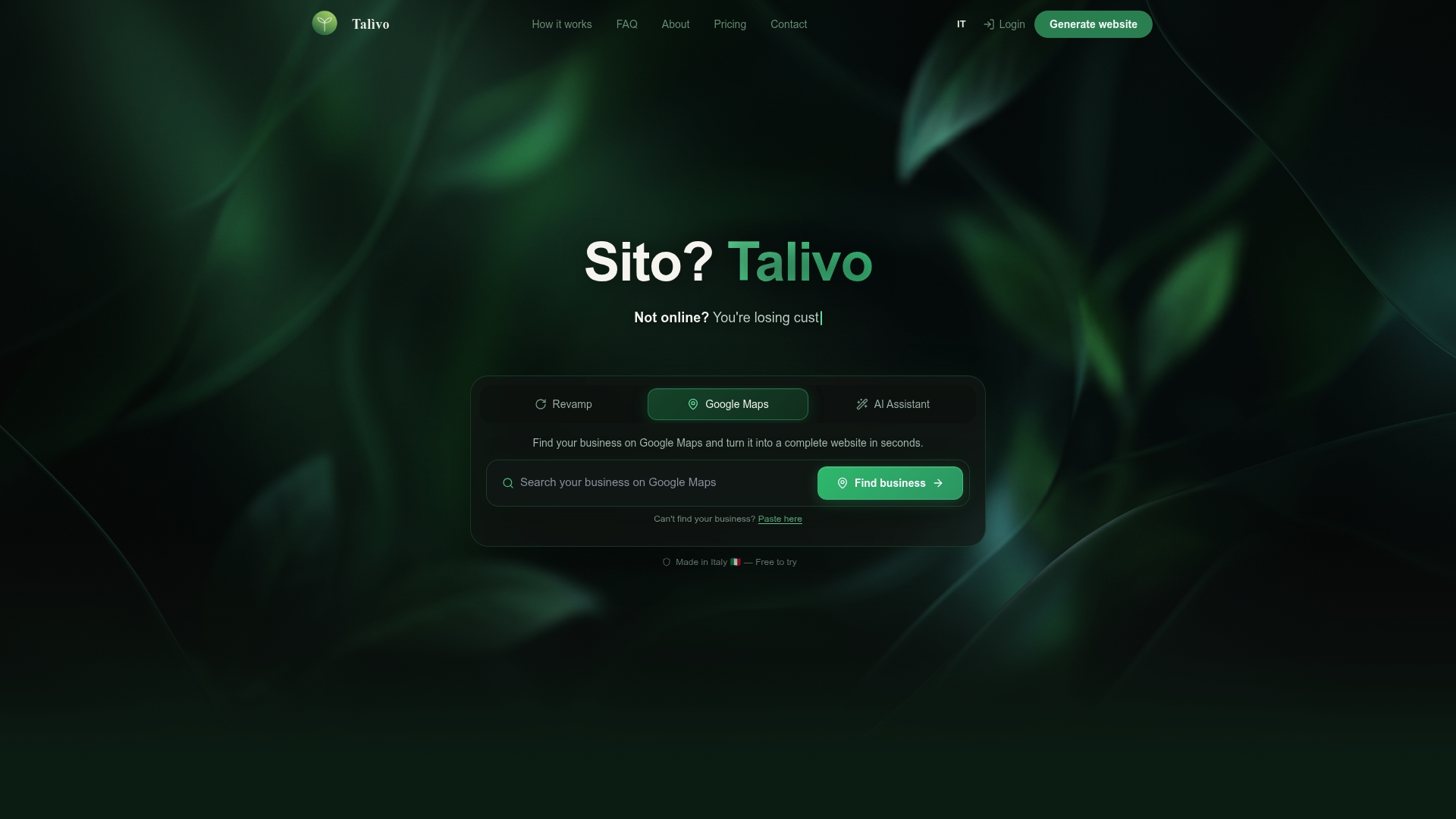
Talivo builds mobile-first websites that meet Core Web Vitals, WCAG 2.2, and structured data requirements automatically. Paste in your existing URL and Talivo redesigns it with a modern layout while keeping your content and images. If you have a Google Maps listing, Talivo converts it directly into a full website with your photos, reviews, and contact details already in place. New businesses can describe what they do and get a complete, compliant site in minutes. Build your website with Talivo and see how the process works from prompt to live site at Talivo's how-it-works page.
FAQ
What are modern website standards?
Modern website standards are technical and design requirements set by bodies like the W3C that govern how websites perform, display, and function across devices. They cover HTML5 specifications, Core Web Vitals, WCAG 2.2 accessibility, HTTPS security, and structured data for SEO.
What is the LCP threshold for Core Web Vitals in 2026?
LCP must be under 2.5 seconds to pass Core Web Vitals. This threshold is a direct ranking factor in Google Search, not just a performance suggestion.
What does WCAG 2.2 require for small business websites?
WCAG 2.2 requires a minimum 4.5:1 contrast ratio for body text, visible focus indicators on all interactive elements, and adequate tap target sizes on mobile. W3C advises all websites adopt WCAG 2.2 as the current international accessibility standard.
What is the difference between mobile-first and responsive design?
Mobile-first design starts with the smallest screen and expands outward. Responsive design typically starts with a desktop layout and shrinks it down. Mobile-first produces better performance and usability on phones, which is where the majority of web traffic originates.
How does structured data help a small business website?
Structured data in JSON-LD format tells Google exactly what your content represents, such as a local business, product, or review. This enables rich results in search, which increases click-through rates and supports E-E-A-T signals that influence ranking stability.