
Website customization is the process of tailoring a website's design and functionality to match your specific business goals and user expectations. This goes well beyond picking a color scheme. What is website customization explained in practical terms? It means shaping every element of your site, from fonts and menus to page layouts and contact forms, so the result serves your customers and reflects your brand. Platforms like WordPress offer tools such as the Customiser and the Full Site Editor to make this accessible even without coding skills. Done right, website design customization is one of the highest-return investments a small business owner can make.
What does website customization involve?
Website customization covers two broad categories: appearance and functionality. Appearance changes are the most visible, while functional changes affect how your site behaves.
Appearance customizations include:
- Colors, fonts, and typography that match your brand identity
- Your logo, favicon (the small icon in the browser tab), and header images
- Navigation menus and their layout
- Page templates and overall site structure
Functional customizations include:
- Contact forms, booking widgets, and email signup tools
- Custom page layouts built with drag-and-drop blocks
- Integration of third-party tools like payment processors or live chat
- Custom CSS for fine-tuned visual adjustments
The scope of customization ranges from simple theming to deep bespoke development. Simple theming changes include updating colors, logos, and navigation menus through a live preview interface. Bespoke development means building custom templates, unique page structures, or entirely new functionality from scratch.
A critical distinction: many agencies advertise bespoke design but deliver constrained template modifications that limit your site's flexibility. Knowing the difference protects your budget and your expectations.

Pro Tip: Before hiring anyone to "customize" your site, ask specifically whether they are modifying an existing template or building custom layouts and functionality. The answer changes the price and the outcome significantly.
How does website customization improve user experience and business outcomes?
Customization is not about making a site look pretty. It directly affects whether visitors stay, trust you, and buy from you.
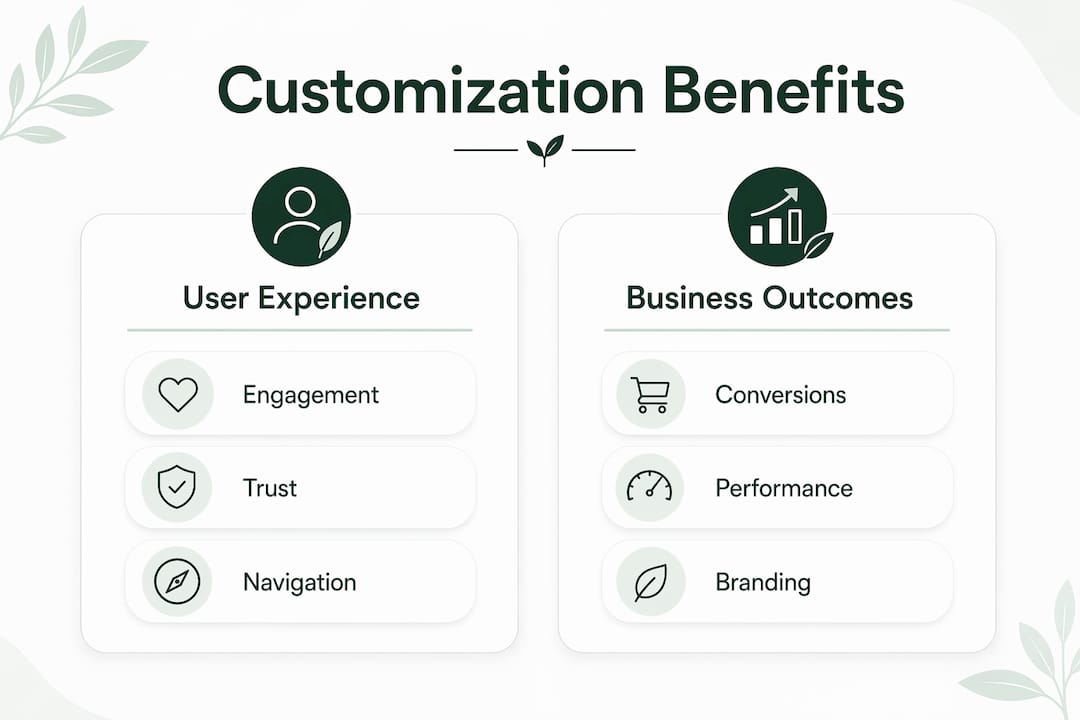
A generic template treats every business the same. A customized site guides visitors through a journey designed around your specific offer. Tailored user journeys and brand differentiation drive higher conversion rates compared to generic templates. That means more inquiries, more sales, and more repeat visits.
The business benefits of customizing your website include:
- Brand consistency: Every color, font, and image reinforces who you are and builds recognition.
- Improved usability: Layouts designed for your specific audience reduce confusion and friction.
- Accessibility: Custom design lets you meet accessibility standards like WCAG 2.1, which generic templates often ignore.
- Engagement: Relevant content placement and clear calls to action keep visitors on the page longer.
"A beautiful site without business purpose is like an expensive brochure." — Duck Design
This insight captures the core principle of website personalization explained simply: design follows strategy, not the other way around. Effective website customization begins with understanding your business goals and your audience before touching a single design element. Designers call this the "discovery-first" approach. Skip it, and you risk spending money on a site that looks good but converts poorly.
Performance is another factor. A customized site can be stripped of unnecessary code and features that bloated templates carry. Faster load times reduce bounce rates and improve your position in Google search results.
What are the main approaches and tools for website customization?
The right customization method depends on your platform, your budget, and how much control you need. WordPress is the most widely used content management system in the world, and it offers two distinct customization paths.
WordPress Customiser (classic themes)
The WordPress Customiser is the standard tool for classic themes. It lets you edit site logos, color palettes, navigation menus, header images, widget areas, and custom CSS. Every change appears in a live preview before you publish. This makes it a safe environment to experiment without breaking your live site.
Full Site Editor (block themes)
The Full Site Editor (FSE) is the modern replacement for classic customization. It uses block-based editing across your entire site, including headers, footers, templates, and global styles. FSE removes the need for CSS or PHP coding in most cases. It is the most significant WordPress advancement since the block editor launched, and it gives non-developers real structural control over their sites.
Comparing customization approaches
| Approach | Best for | Technical skill needed | Cost range |
|---|---|---|---|
| WordPress Customiser | Classic theme tweaks | Low | Low |
| Full Site Editor (FSE) | Block theme full control | Low to medium | Low |
| Template modification | Faster builds on existing designs | Medium | Medium |
| Bespoke development | Unique functionality and layouts | High (developer needed) | High |
Small business owners with limited budgets get the most value from native tools like the Customiser and FSE. Visual editing interfaces and pre-built blocks empower non-developers to create personalized sites without hiring an agency for every change.
Pro Tip: If you are on a classic WordPress theme and want more structural control, consider migrating to a block theme. The Full Site Editor gives you far more flexibility without additional cost.
How to customize your website effectively: practical steps
Customizing your website without a plan produces inconsistent results. Follow these steps to get the most from your effort and budget.
-
Start with your business goals. Define what you want the site to do. Generate leads? Sell products? Build credibility? Every customization decision should serve one of these goals.
-
Understand your audience. Know who visits your site and what they need to find quickly. A restaurant owner needs a prominent menu and reservation button. A freelance designer needs a portfolio front and center.
-
Prioritize your changes. Separate visual customizations (colors, fonts, layout) from functional ones (forms, booking tools, integrations). Tackle the highest-impact changes first.
-
Use native tools before paying for custom work. The WordPress Customiser and FSE handle the majority of common customization tasks at no extra cost. Reserve bespoke development for features these tools cannot deliver.
-
Test every change. Check your site on mobile, tablet, and desktop after each update. Common customization mistakes include skipping the testing phase and ignoring how changes look on smaller screens.
-
Iterate based on data. Use Google Analytics or a similar tool to track how visitors behave after you make changes. If a new layout reduces time on page, adjust it.
One mistake to avoid: paying for "bespoke" work when your needs are actually met by template modification. Many businesses misunderstand customization as purely cosmetic and miss the chance to build a site that truly fits their needs. Clarify your requirements before signing any contract.
Advanced customization includes creating custom templates and template parts like headers or footers that repeat across pages. This keeps your site consistent and makes future updates faster. Understanding the difference between a template part (a reusable section) and a template (a full page layout) helps you plan your site architecture before you build it.
Key takeaways
Website customization is the process of aligning your site's design and functionality with specific business goals, and the most effective approach starts with audience understanding before any design decisions are made.
| Point | Details |
|---|---|
| Definition of customization | Tailoring design and functionality to match business goals and user needs. |
| Discovery-first approach | Define business goals and audience before making any design or layout decisions. |
| Native tools save money | WordPress Customiser and Full Site Editor handle most changes without coding or agency fees. |
| Theming vs. bespoke | Template tweaks and true bespoke development are not the same; know which you are paying for. |
| Test and iterate | Check every change on mobile and desktop, then use analytics to refine results. |
The part most small business owners skip
Most articles on website customization focus on tools and techniques. The part that actually determines success is the thinking you do before you open any editor.
I have seen small business owners spend weeks adjusting fonts and color palettes while their contact form was broken on mobile. The visual work felt productive. The functional problem was costing them leads every day. Customization without a clear priority order is just decoration.
The discovery-first principle sounds obvious, but almost nobody practices it. Before you touch your site, write down three things: what action you want visitors to take, what information they need to take that action, and what is currently stopping them. Every customization decision should answer one of those three questions.
The other mistake I see constantly is confusing "bespoke" with "better." A bespoke site built without a clear brief is just an expensive template. A well-customized template built around real user needs will outperform it every time. Budget matters less than clarity of purpose.
For small business owners who are not developers, the WordPress Full Site Editor has genuinely changed what is possible without hiring anyone. It is not perfect, but it gives you structural control that used to require a developer. Use it before you pay for custom work.
The businesses that get the most from website design customization are not the ones with the biggest budgets. They are the ones who know exactly what they want their site to do and make every change in service of that goal.
— jacopo
How Talivo makes website customization accessible
Getting a professional, customized website used to mean hiring a developer, writing copy, and waiting weeks for results.
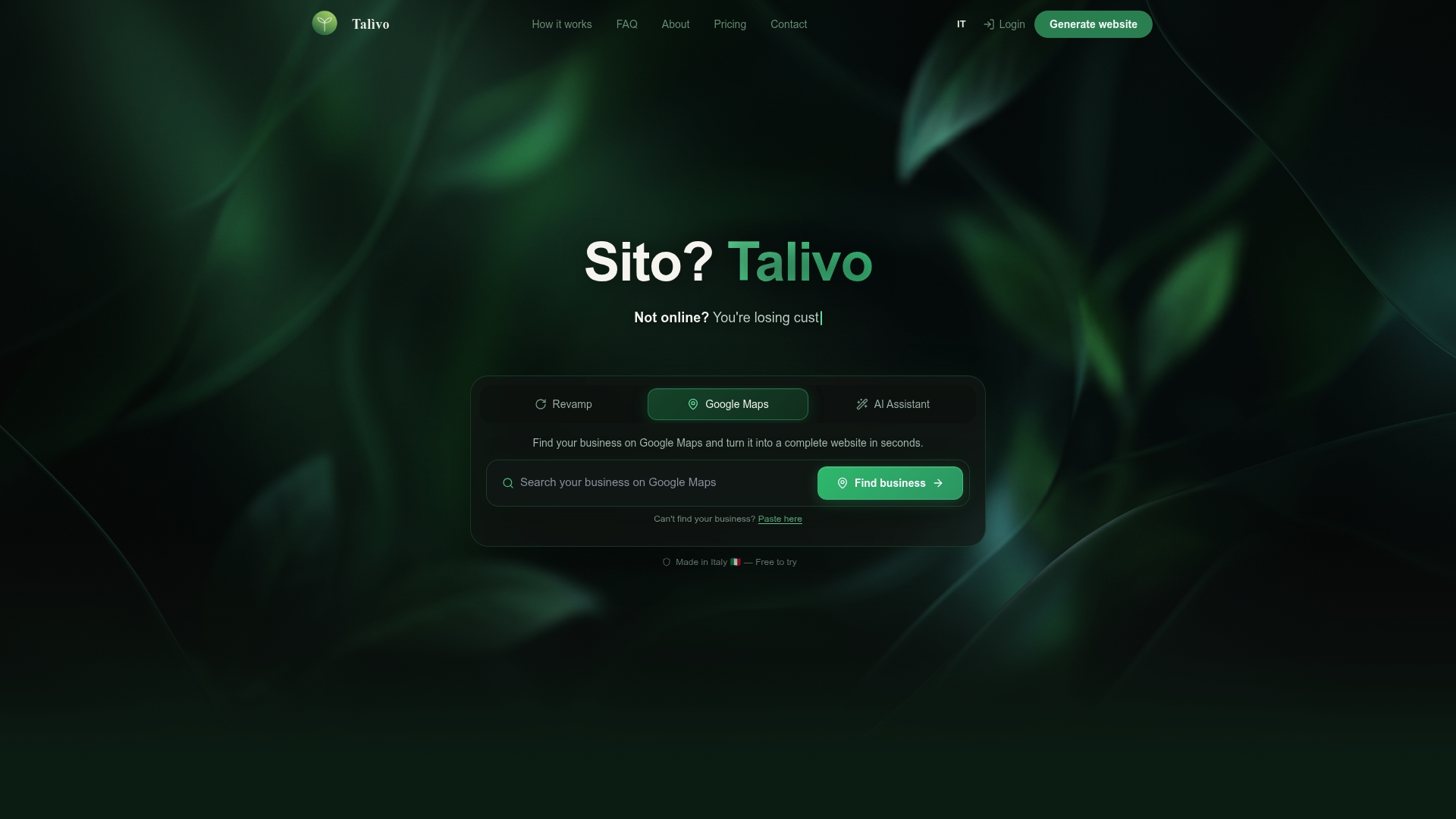
Talivo changes that. If you have an existing site that feels outdated, paste the URL and Talivo rebuilds it with a modern, mobile-first design while keeping your content and images intact. If your business is listed on Google Maps but you have no website, Talivo converts that listing directly into a full site, pulling in your photos, reviews, and contact details automatically. New business owners can describe their business in plain language and get a complete website built with AI in minutes. For anyone who wants to understand the full process, the step-by-step workflow shows exactly how Talivo moves from your input to a live, personalized site.
FAQ
What is website customization in simple terms?
Website customization is the process of changing a site's design and functionality to fit your specific business goals and audience needs. It ranges from updating colors and fonts to building custom page layouts and adding booking or payment tools.
What is the difference between website customization and website personalization?
Website customization refers to changes made by the site owner to design and structure. Website personalization explained more precisely means dynamically adjusting content for individual visitors based on their behavior, location, or preferences.
Do I need coding skills to customize my website?
Not for most common changes. Tools like the WordPress Customiser and the Full Site Editor let you update layouts, colors, menus, and global styles through visual interfaces without writing any code.
How do I know if I need bespoke development or template customization?
If your needs are met by changing colors, fonts, layouts, and adding standard widgets, template customization is sufficient. Bespoke development is worth the cost only when you need unique functionality that no existing tool or plugin provides.
What are the most common website customization mistakes?
The three most common mistakes are skipping the discovery phase, overpaying for minimal template changes sold as bespoke work, and failing to test updates across mobile and desktop devices before publishing.