
A website redesign is defined as any deliberate process of improving a site's visual design, structure, or technical foundation to better serve business goals. The types of website redesign approaches available to small business owners range from a quick visual refresh to a complete technical overhaul, and picking the wrong one wastes budget without solving the actual problem. Each approach targets a different layer of your site, so the decision starts with diagnosing what is broken, not with what looks impressive. This guide breaks down five proven approaches, when each one fits, and how to match your situation to the right scope.
1. What are the main types of website redesign approaches?
Website redesign approaches are best categorized by the specific problem they solve, not by the technology involved. Redesigns categorized by problem improve project focus and return on investment. That framing matters because small business owners often jump to the most visible solution, a full rebuild, when a lighter approach would deliver the same result at a fraction of the cost.
The five core approaches are: reskin, redesign, rebuild, replatform, and incremental optimization. Each one sits at a different point on the spectrum of scope, cost, and risk. Understanding where your site's pain point lives tells you exactly which approach belongs on your shortlist.

2. Reskin: updating the look without touching the code
A reskin is a surface-level visual refresh of colors, fonts, and imagery that leaves the site's structure and functionality untouched. It is the fastest and least expensive option. A local bakery that rebranded its logo and color palette, for example, can apply those changes across its existing site in days without rebuilding a single page template.
When a reskin is the right call:
- Your backend works well and conversion rates are acceptable
- You recently updated your brand identity and need the site to match
- You need a visible improvement before a product launch or seasonal campaign
- Budget is limited and a full redesign is not yet feasible
Limitations to know upfront:
- A reskin does not fix poor navigation or confusing page structure
- It has minimal impact on SEO if content and technical elements stay the same
- Users who struggle with the site's layout will still struggle after a reskin
Pro Tip: Use a reskin as an interim update while you plan a deeper redesign. It buys you a modern look without committing to a large project before you have the budget or data to support it.
Check the common outdated website features list to confirm whether your site needs more than a visual fix before committing to this approach.
3. Redesign vs. rebuild: scope, cost, and risk compared
A website redesign updates layout, branding, and UX while preserving the existing content management system and codebase. A rebuild replaces everything from scratch, including the CMS, front-end code, and often the content architecture. These two approaches are frequently confused, and that confusion is expensive.
Rebuilds often cost six figures and take months to complete, while redesigns typically cost thousands to tens of thousands of dollars and wrap up in weeks. The rebuild's higher price reflects a new CMS, custom code, and a full content migration, each of which adds complexity and risk.
| Factor | Redesign | Rebuild |
|---|---|---|
| Scope | Visual, layout, UX updates | Full front-end and back-end replacement |
| Cost range | Thousands to tens of thousands | Often six figures |
| Timeline | Weeks | Months |
| CMS | Preserved | Replaced |
| Risk level | Low to moderate | High |
| Best for | Incremental improvement | Deep technical limitations |
A redesign suits most small businesses that have a functioning CMS but an outdated look or poor user experience. A rebuild makes sense when the current platform cannot support the features or traffic the business needs to grow. Selecting a rebuild when only a reskin is needed leads to budget overruns without solving the core business problem.
4. Replatforming: migrating technology to support growth
Replatforming means migrating the technology stack or CMS without necessarily changing the design in a dramatic way. It addresses technical constraints that block scalability or integrations, not visual ones. A small business moving from an aging custom CMS to WordPress or Webflow to gain plugin support and better hosting options is replatforming.
Common reasons to replatform:
- The current CMS no longer receives security updates
- You need integrations, such as booking systems or e-commerce, that the existing platform cannot support
- Page speed and mobile performance are poor due to platform limitations
- Your team cannot update content without developer help
Risks to plan for:
- Content migration can introduce broken links, missing metadata, and formatting errors
- URL structures may change, which requires a careful redirect strategy to protect SEO
- Staff need time to learn the new platform before productivity returns to normal
Replatforming is distinct from a rebuild because the design often stays largely intact. The goal is a better technical foundation, not a new look. Think of it as replacing the engine in a car while keeping the same body.
5. Incremental optimization: a data-driven, iterative approach
Incremental optimization, also called growth-driven design, launches a baseline site and then improves it continuously using analytics and user data. It reduces risk by making systematic, evidence-backed changes rather than betting everything on one large upfront redesign. A small business can launch a clean, functional site and then refine the homepage headline, call-to-action placement, or navigation structure based on real visitor behavior.
Benefits of this approach:
- Budget spreads across time instead of hitting all at once
- Changes reflect actual user behavior, not assumptions
- The site improves faster than a traditional redesign cycle allows
Common pitfalls:
- Teams redesign individual components before establishing a shared design system, which leads to component bloat and inconsistent UX
- Without defined design tokens, fonts, colors, and spacing drift across pages over time
- Importing your live site into a tool like Figma to build a component inventory first prevents these problems
Pro Tip: Pair incremental optimization with AI-driven content structuring to keep your pages visible in AI-powered search results. Answer-first formatting and structured data make a measurable difference in 2026.
6. Choosing the right website redesign strategy for your business
The best website redesign strategy is the one that matches your specific problem, not the one with the most features or the biggest scope. Start by identifying whether your issue is visual, structural, technical, or strategic. That single question narrows the field immediately.
| Business situation | Recommended approach |
|---|---|
| Brand refresh, logo update, new color palette | Reskin |
| Poor navigation, outdated layout, weak UX | Redesign |
| Platform limitations, need for new integrations | Replatform |
| Deep technical debt, new feature requirements | Rebuild |
| Ongoing improvement with limited upfront budget | Incremental optimization |
Content audits belong at the start of any approach, not as an afterthought. Structuring content for AI search visibility is a critical step in 2026 redesigns. Using schema markup, structured data, and answer-first formatting can increase AI-driven search visibility by up to 40%. That number represents a real competitive edge for small businesses competing against larger brands with bigger advertising budgets.
Governance planning matters too. Decide who owns content updates, who approves design changes, and how often you will audit performance. Without that structure, even a well-executed redesign degrades within a year.
Key takeaways
The most effective website redesign approach is the one aligned to your specific problem, whether visual, structural, technical, or strategic, because mismatched scope wastes budget and delays results.
| Point | Details |
|---|---|
| Match approach to problem | Identify whether the issue is visual, structural, or technical before choosing a scope. |
| Reskin for brand updates | Use a reskin when the backend works and only the visual identity needs updating. |
| Redesign before rebuild | A redesign costs far less than a rebuild and solves most small business UX problems. |
| Replatform for tech limits | Migrate your CMS when platform constraints block growth, not when design feels stale. |
| Build a design system first | Establish shared design tokens before iterating components to prevent inconsistency. |
What I've learned from watching small businesses redesign their sites
The most common mistake I see is scope inflation. A business owner notices the site looks dated, talks to an agency, and walks away with a proposal for a full rebuild that costs $80,000 and takes six months. Nine times out of ten, a redesign or even a well-executed reskin would have solved the actual problem.
The second mistake is skipping the diagnosis entirely. Owners pick an approach based on what a competitor did or what an agency recommended without first asking: what is the site failing to do? A site with a 70% mobile bounce rate has a different problem than a site with strong traffic but no leads. Those two problems need different solutions.
Iterative redesign with a solid design system is the approach I trust most for small businesses with limited budgets. It keeps risk low, keeps the site improving, and forces you to make decisions based on data rather than gut feeling. The businesses that treat their website as a product that evolves, rather than a project that ends, consistently outperform those that do one big redesign every five years.
Content architecture is the piece most owners underestimate. Structuring your pages for AI-powered search is not optional in 2026. It is the difference between showing up in an AI-generated answer and being invisible to a growing segment of searchers.
— jacopo
How Talivo makes website redesign faster for small businesses
Redesigning a site does not have to mean months of back-and-forth with developers.
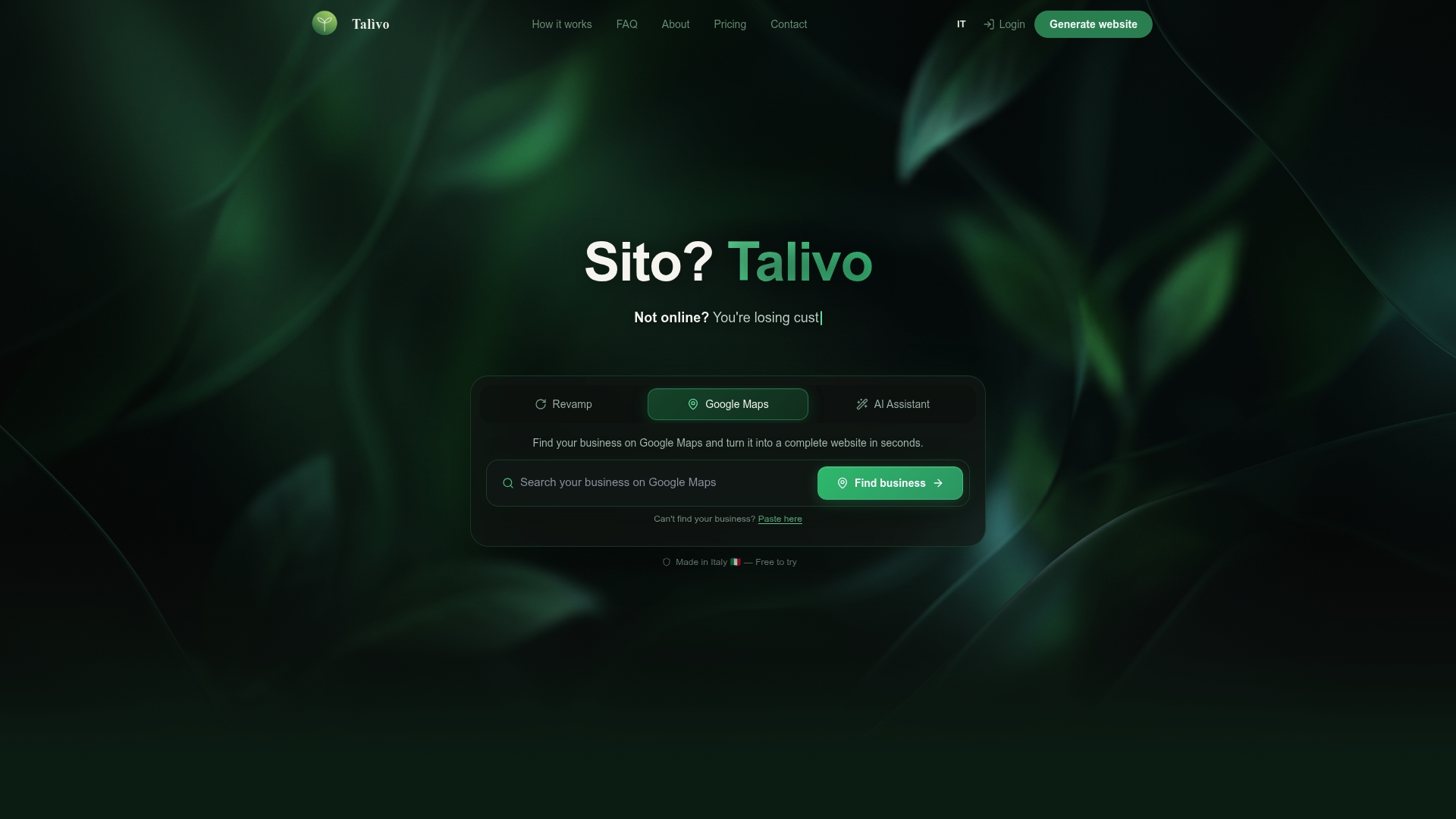
Talivo uses AI to turn an existing website URL into a modern, mobile-first design in minutes, keeping all your content and images intact. If your site is outdated but functional, Talivo applies a fresh design layer without requiring a rebuild. For businesses starting from scratch or working from a Google Maps listing, Talivo generates a complete site from your business description alone. See how it works and find out which redesign path fits your situation.
FAQ
What is a website redesign?
A website redesign updates a site's visual design, layout, and user experience while preserving the existing CMS and codebase. It differs from a rebuild, which replaces the entire technical foundation.
What is the difference between a rebrand and a redesign?
A rebrand changes the business identity, including logo, name, and messaging, while a redesign applies those changes to the website's structure and user experience. A rebrand often triggers a redesign, but the two are separate projects.
How do I redesign an old website without losing traffic?
Preserve existing URL structures, set up 301 redirects for any changed pages, and migrate metadata carefully. Running a content audit before the redesign protects your SEO equity throughout the process.
What is the cheapest website redesign approach?
A reskin is the least expensive approach because it updates colors, fonts, and imagery without touching the site's code or structure. It suits businesses that need a visual refresh but have a functioning backend.
When does a small business need a full rebuild instead of a redesign?
A rebuild is necessary when the current platform cannot support required features, integrations, or traffic levels. If technical debt is blocking growth, a rebuild solves problems that a redesign cannot.