
Website accessibility oversights are defined as failures in design or code that prevent users with disabilities from navigating, understanding, or interacting with a site. The Web Content Accessibility Guidelines (WCAG) set the global standard for what "accessible" means, and the Americans with Disabilities Act (ADA) gives those standards legal weight in the United States. The scale of the problem is significant: 95.9% of websites have detectable WCAG violations, averaging 56.1 errors per homepage, with just six error types accounting for 96% of all failures. That concentration means fixing a short list of common website accessibility oversights delivers most of the compliance and usability benefit.
1. What are the top common website accessibility oversights in 2026?
The six error types that dominate accessibility failures are not obscure edge cases. They are structural and visual mistakes that appear on nearly every site that has never been audited.

Low color contrast
Low contrast text affects 83.9% of homepages, making it the single most widespread accessibility mistake on the web. WCAG 2.1 requires a contrast ratio of at least 4.5:1 for normal text and 3:1 for large text. Gray text on a white background, light blue links on a pale background, and watermark-style placeholder text all fail this threshold. The impact goes beyond screen reader users. Anyone in bright sunlight, on a low-quality display, or with age-related vision decline struggles with low contrast.
Pro Tip: Run every page through the WebAIM Contrast Checker before launch. Pay special attention to error messages, pricing text, and call-to-action buttons, since those are the elements where contrast failures directly cost conversions.
Missing alt text on images
Missing alt text affects 54% of homepages. Alt text is the text description attached to an image via the alt attribute in HTML. Screen readers read it aloud for users who cannot see the image. When alt text is absent, screen reader users hear "image" or a raw file name like "IMG_4823.jpg," which communicates nothing. Decorative images should use an empty alt="" attribute so screen readers skip them. Meaningful images, including product photos, charts, and infographics, need descriptive text that conveys the content and purpose.
Empty links and buttons
Empty buttons and icon-only controls without descriptive accessible names now appear on 30.6% of sites. A hamburger menu icon with no label, a search button containing only a magnifying glass SVG, or a social media link with no text all create navigation dead ends for screen reader users. The fix is straightforward: add an aria-label attribute or visually hidden text that describes the action, such as "Open navigation menu" or "Search."
Keyboard navigation failures
Keyboard operability is a WCAG Level A requirement, meaning it is the baseline, not an advanced feature. Removing browser focus outlines without providing a custom replacement creates invisible navigation for keyboard users. Focus traps inside modals, carousels that cannot be exited with the keyboard, and dropdown menus that only respond to mouse hover all block access. Keyboard navigation also matters for power users, people with motor impairments, and anyone using a switch device.
Broken semantic HTML structure
Semantic HTML tells browsers and assistive technologies what each element means. A page that uses <div> tags for everything instead of <header>, <nav>, <main>, and <footer> gives screen readers no structural map to work with. Heading hierarchy is a related problem: jumping from an <h1> directly to an <h4>, or using heading tags purely for visual size, destroys the outline that screen reader users rely on to scan a page. Misuse of ARIA compounds this. Adding ARIA roles to non-semantic elements often creates more errors than it solves. Native semantic HTML exposes roles and states to assistive technology correctly, without the risk of incorrect ARIA usage producing confusing screen reader output.
Missing document language declaration
Missing language attributes appear on 13.5% of homepages. The lang attribute on the <html> element tells screen readers which language to use for pronunciation. Without it, a French screen reader may read an English page with French phonetics, making the content incomprehensible. The fix takes under a minute: add lang="en" to the opening HTML tag.
How these accessibility oversights affect users and your business
The practical consequences of these website accessibility mistakes extend well beyond a niche user group.
Impact on users with disabilities and situational impairments:
- Screen reader users hit empty links and buttons and receive no information about where a link goes or what a button does.
- Keyboard-only users get trapped inside modal dialogs or cannot reach navigation menus at all.
- Users with low vision cannot read text that fails contrast requirements, including pricing, error messages, and form labels.
- Deaf users lose access to video content when captions are missing.
- Situational impairments, such as a broken arm, bright sunlight, or a noisy environment, create the same barriers for temporarily able-bodied users.
Legal and compliance exposure:
The ADA applies to websites in the United States, and courts have consistently ruled that digital properties must be accessible. The European Accessibility Act came into force for most businesses in june 2025, extending similar requirements across EU member states. 27% of websites have at least one critical accessibility violation that blocks screen reader access entirely. That level of failure creates real legal risk, not just reputational damage.
SEO and conversion effects:
Accessibility improvements directly improve search engine optimization. Alt text feeds image indexing. Semantic HTML gives crawlers a clear content structure. Descriptive link text improves anchor text signals. Accessible forms with proper labels reduce abandonment. Low contrast on revenue pages, including pricing tables and checkout buttons, reduces conversion rates because users simply cannot read the content clearly.
Accessibility and usability are deeply linked. Every improvement made for a screen reader user also benefits keyboard power users, mobile users on slow connections, and anyone using an older device.
What are effective methods to detect and fix accessibility issues?
Detection requires a combination of automated scanning and manual testing. Neither method alone is sufficient.
Automated scanning:
- Tools like axe DevTools and the WAVE browser extension catch structural errors quickly, including missing alt text, absent language attributes, and empty form labels.
- Automated tests catch 30–50% of accessibility bugs. The rest require human judgment.
- Run automated scans on every page template, not just the homepage, since product pages, checkout flows, and blog posts often carry different error patterns.
Manual keyboard testing:
- Tab through every interactive element on the page and confirm focus is always visible.
- Test that modals can be opened and closed with the keyboard alone.
- Verify that dropdown menus are reachable without a mouse.
- Check that the tab order follows a logical reading sequence.
Screen reader testing:
- Use NVDA with Firefox or JAWS with Chrome on Windows. Use VoiceOver on macOS and iOS.
- Listen to how the page is announced from the top. Confirm headings, landmarks, and form labels are read correctly.
- Relying solely on automated or AI-generated fixes is insufficient and may introduce new errors. Manual screen reader testing catches what scanners miss.
Pro Tip: Build a short manual test script covering five core checks: keyboard navigation, heading structure, image alt text, form labels, and color contrast. Run it on every new page template before it goes live. This takes under 20 minutes and catches the majority of critical errors.
The most efficient remediation path starts with semantic HTML as the foundation. Building an accessible component library with correct semantic base elements addresses many errors at once, since the same button, form, and navigation components appear across hundreds of pages.
How to prioritize accessibility fixes for the greatest impact
Not every fix carries equal weight. Prioritizing by error frequency and severity gets the most users unblocked fastest.
| Priority | Fix | WCAG Level | Impact |
|---|---|---|---|
| 1 | Fix semantic HTML and heading structure | A | Unblocks screen reader navigation site-wide |
| 2 | Add descriptive alt text to meaningful images | A | Restores image content for screen reader users |
| 3 | Label all form inputs and buttons | A | Enables form completion for assistive tech users |
| 4 | Ensure keyboard operability and visible focus | A | Removes navigation barriers for keyboard users |
| 5 | Adjust color contrast to WCAG 4.5:1 ratio | AA | Improves readability for low-vision and all users |
| 6 | Add document language attribute | A | Corrects screen reader pronunciation |
| 7 | Audit and correct ARIA usage | A/AA | Prevents assistive tech confusion from bad ARIA |
Start with Level A failures. They represent the baseline and carry the highest legal exposure. Level AA failures, including color contrast, are required for ADA compliance in most legal interpretations. Integrate accessibility checks into your development lifecycle so new pages do not reintroduce errors that were already fixed.
For small businesses and marketing teams without dedicated developers, the most practical approach is to audit one page template at a time, fix it completely, then move to the next. A modern web design approach that starts with accessible components avoids the cost of retrofitting errors later.
Key Takeaways
The most impactful way to reduce accessibility compliance risk is to fix semantic HTML structure first, then alt text, then keyboard operability, then color contrast.
| Point | Details |
|---|---|
| Six errors cause 96% of failures | Low contrast, missing alt text, and empty links account for the vast majority of WCAG violations. |
| Automation has real limits | Automated tools catch only 30–50% of bugs; manual keyboard and screen reader testing is required for the rest. |
| Legal exposure is real | 27% of sites block screen reader access entirely, creating direct ADA and European Accessibility Act risk. |
| Semantic HTML first | Fixing HTML structure and component libraries addresses many errors across the entire site at once. |
| Accessibility improves SEO | Descriptive alt text, semantic structure, and labeled links all contribute to better search engine indexing. |
Why accessibility is never a one-time checkbox
Most teams treat accessibility as a launch task. They run a scan, fix the flagged items, and move on. That approach fails within weeks because new content, new components, and new third-party scripts introduce fresh violations constantly.
The sites I have seen maintain genuine accessibility over time share one trait: they treat it as a definition of done, not a separate audit cycle. Every pull request includes a keyboard test. Every new image gets alt text before it ships. Every new button gets a label in the design file, not as an afterthought in QA.
The other pattern I have noticed is over-reliance on automated tools, especially as AI-assisted development becomes more common. AI code generation can produce inaccessible markup just as fast as it produces accessible markup. The output depends entirely on whether accessibility requirements are baked into the prompt and reviewed by someone who knows what to look for. Automation is a starting point, not a finish line.
For small business owners without a developer on staff, the most honest advice is this: start with the six most common errors, fix them on your highest-traffic pages, and then build a habit of checking new content before it goes live. You do not need to solve everything at once. You need to stop making the same six mistakes repeatedly.
— jacopo
Talivo and accessible website creation
Building an accessible website from scratch is significantly easier than retrofitting one. Talivo generates websites with AI assistance, starting from a business description, a Google Maps listing, or an existing URL. The process embeds structural decisions, including semantic HTML, labeled controls, and mobile-first layouts, from the first output rather than adding them later.
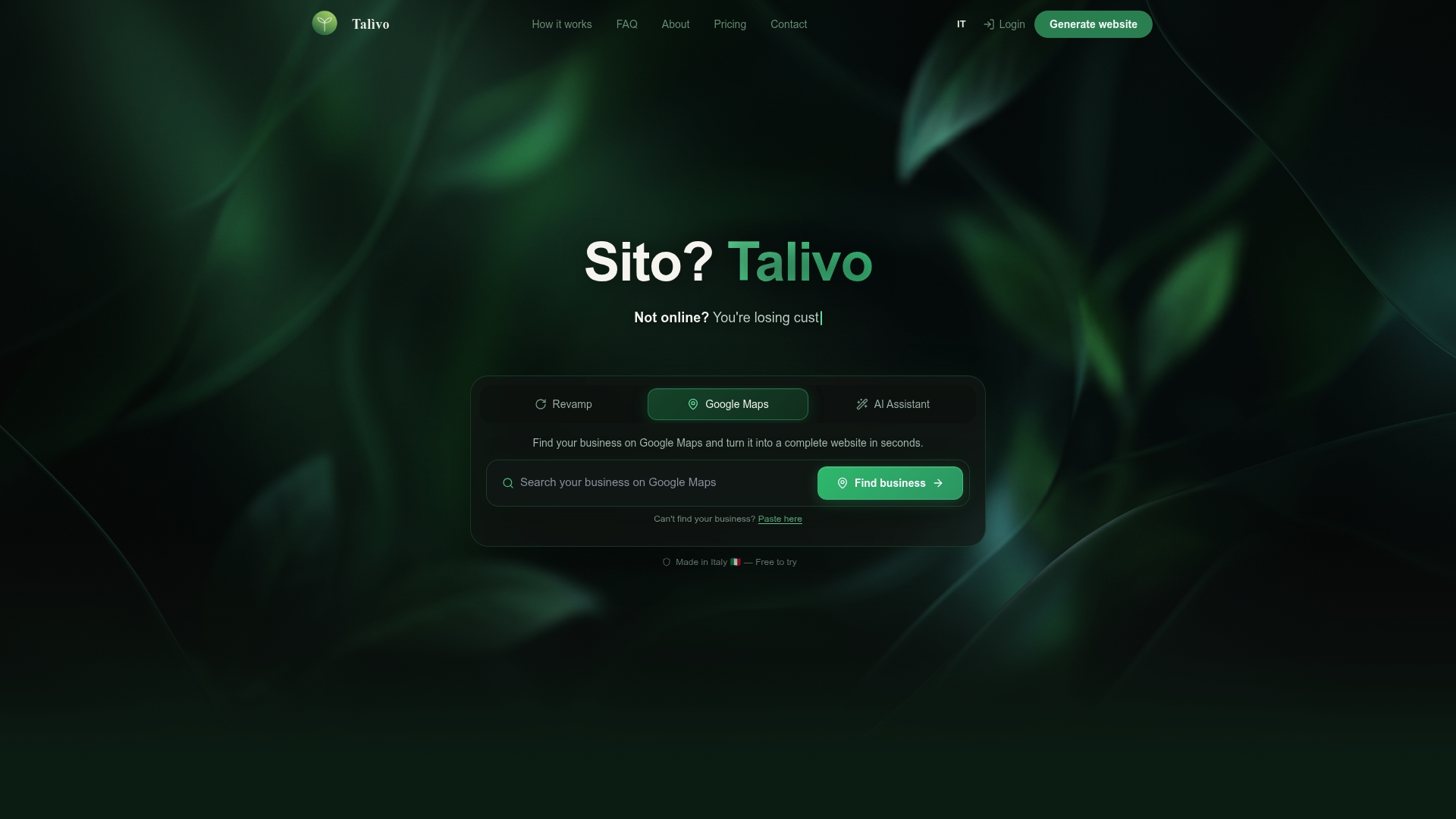
For small businesses and marketing teams that want a site that works for every visitor, Talivo's AI-powered website builder removes the guesswork from structure and layout. The platform also explains each step, so business owners understand what they are building, not just what it looks like. If you want to see how the process works from prompt to published site, the full walkthrough covers every stage.
FAQ
What is the most common website accessibility error in 2026?
Low color contrast is the most common failure, affecting 83.9% of homepages according to the WebAIM Million 2026 report. It is also one of the easiest to fix with a contrast checker tool.
How do I test my website for accessibility issues?
Run an automated scan with a tool like axe DevTools or WAVE, then follow up with manual keyboard navigation and screen reader testing. Automated tools catch only 30–50% of violations, so both methods are required.
Does website accessibility affect SEO?
Yes. Semantic HTML, descriptive alt text, and labeled links all improve how search engines index and understand your content. Accessible sites consistently perform better in organic search than structurally broken ones.
What is WCAG and does it apply to my business?
WCAG stands for Web Content Accessibility Guidelines, the international standard for digital accessibility. In the United States, courts apply WCAG 2.1 Level AA as the benchmark for ADA compliance, making it relevant to virtually every business with a public-facing website.
Can I fix accessibility issues without a developer?
Many Level A fixes, including adding alt text, setting a document language attribute, and improving color contrast, can be made directly in most website builders or content management systems without writing code.