
For most U.S. small businesses that want a live site fast, the shortlist of Outlyne.com alternatives breaks down like this: Talivo (best for Google Business Profile import), rapid-deploy builders like Butternut AI, guided-AI tools like Hostinger AI and Wix ADI, e-commerce-ready platforms like Shopify, and creative-control tools like Framer. Talivo is the recommended pick if you already have a Google Maps listing and want to skip writing copy entirely.
Here's the one-line case for each category:
-
Talivo — converts your Google Business Profile directly into a full website, pulling in photos, reviews, and contact data automatically
-
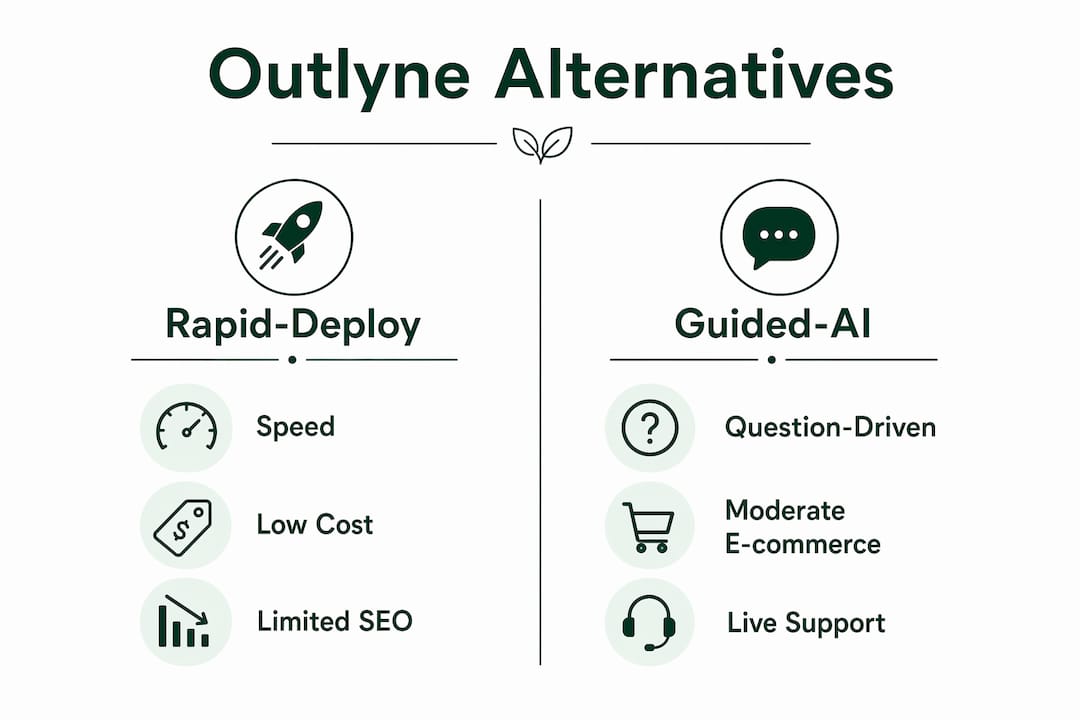
Rapid-deploy builders (Butternut AI, Zyro, Chariot) — generate a site in under 20 seconds, best when speed is the only priority
-
Guided-AI builders (Hostinger AI, Wix ADI, Bookmark) — walk you through setup step by step, reducing misconfiguration risk for non-technical owners
-
E-commerce-optimized platforms (Shopify) — built for stores that plan to grow, with payments, inventory, and apps baked in
-
Creative-control tools (Framer) — for founders who want pixel-level design control and are comfortable with a steeper learning curve
Outlyne itself is a front-end, rapid-design AI builder built for polished launches, not complex backends. If you need listing import, booking integrations, or a real store, you'll need something else.
Table of Contents
- How do these Outlyne alternatives compare on the features that matter?
- Which platform actually fits your situation?
- How do you pick the right alternative for your business?
- What should you plan for migration, SEO, and integrations?
- Why Talivo is the pick for businesses with a Google Maps listing
- Key Takeaways
- The real trade-off most business owners miss
- Talivo turns your Google listing into a live website today
- Useful sources for further reading
How do these Outlyne alternatives compare on the features that matter?
| Category | Best for | AI automation level | Speed to launch | Google listing import | E-commerce | Customization | Exportability | Pricing shape | Integrations | Support |
|---|---|---|---|---|---|---|---|---|---|---|
| Talivo | Google-listed businesses | End-to-end generation | Minutes | Yes (Google Maps/GBP) | Limited (contact/booking) | Moderate | Not publicly listed | Free tier + paid | Booking, analytics | Email + chat |
| Rapid-deploy builders | Speed-first launches | End-to-end generation | Under 20 seconds | Partial | Limited | Low | Restricted | Free tier + paid from ~$9/mo | Basic third-party | Community/email |
| Guided-AI builders | Non-technical owners | Guided templates | — | Partial | Moderate | Moderate | Moderate | Free tier + paid from ~$10/mo | CRM, analytics, payments | Live chat + phone |
| E-commerce platforms | Online stores | Template + AI assist | Hours to days | No | Full (built-in) | High | High | From ~$29/mo | Payments, inventory, apps | live chat support |
| Creative-control tools | Design-first brands | Low (manual-heavy) | Days | No | Plugin-based | Very high | High | Free tier + paid from ~$15/mo | APIs, analytics | Community + docs |
Key trade-offs to weigh:
- Speed-first tools sacrifice brand cohesion. A site generated in 20 seconds will need design polish before it genuinely reflects your brand.
- Guided-AI builders reduce setup errors but add time. For a non-technical owner, that trade is usually worth it.
- E-commerce platforms like Shopify offer far better long-term scalability for stores than any rapid-deploy builder.
- Talivo's Google Business Profile import is the only option here that skips copy-writing entirely for businesses already listed on Google Maps.
Which platform actually fits your situation?
Talivo
Talivo pulls your Google Maps listing, photos, reviews, and contact details into a complete website without you writing a single line of copy. It also handles URL redesigns (paste your old site, get a modernized version) and supports from-scratch builds via a short business description.
Pros: No copy-writing required; mobile-first output; works from existing listings or a URL
Cons: E-commerce depth is limited; exportability terms are not publicly listed
Best for: Single-location service businesses, appointment-based shops, any business already on Google Maps
U.S. availability: Yes
Pricing: Free tier available; paid plans not publicly listed — check talivo.tech for current tiers
Rapid-deploy builders (Butternut AI, Zyro, Chariot)

These tools prioritize raw speed. Butternut AI, for instance, can generate a full site in under 20 seconds. The trade-off is that the output is generic until you customize it, and listing import is at best partial.
Pros: Fastest time-to-live; low cost entry points; no technical skill needed
Cons: Limited SEO controls; restricted export options; design output can feel template-y
Best for: Pop-ups, seasonal businesses, or anyone who just needs a placeholder site today
U.S. availability: Yes
Pricing: Free tiers available; paid plans typically start around $9/month
Use-case example: A food truck operator who needs a one-page site with a menu and location before a weekend event.
Guided-AI builders (Hostinger AI, Wix ADI, Bookmark)
These ask you questions and build around your answers. For non-technical owners, the question-driven flow cuts misconfiguration risk significantly compared with open-ended AI prompting. Wix ADI and Bookmark both offer moderate customization after the initial generation.
Pros: Lower error risk; moderate e-commerce support; live chat support on most plans
Cons: Slower than rapid-deploy; some lock-in on proprietary platforms
Best for: Business owners who want guidance and plan to manage the site themselves long-term
U.S. availability: Yes
Pricing: Free tiers available; paid plans typically start around $10/month
Use-case example: A solo accountant who wants a five-page site with a contact form and a booking widget.
Pro Tip: Before committing to a guided builder, test whether it lets you export your content as HTML or a portable format. Some platforms make migration painful later.
E-commerce platforms (Shopify)
Shopify is not an AI site builder in the traditional sense, but it belongs in this comparison because it's where businesses end up when rapid-deploy tools can't handle growth. Payments, inventory, and an app ecosystem are built in from day one.
Pros: Best-in-class e-commerce; huge app marketplace; strong SEO controls
Cons: Monthly cost adds up; overkill for service-only businesses; no Google listing import
Best for: Any business planning to sell products online at scale
U.S. availability: Yes
Pricing: Starts around $29/month
Creative-control tools (Framer)
Framer gives designers and technically confident founders near-total layout control. It's not for someone who wants a site in an afternoon, but the output quality is high and export options are solid.
Pros: Pixel-level design control; clean code output; strong for brand-first businesses
Cons: Steep learning curve; no listing import; requires design time
Best for: Creative agencies, freelancers, and founders where brand differentiation is the product
U.S. availability: Yes
Pricing: Free tier available; paid plans from around $15/month
How do you pick the right alternative for your business?
Five-item decision checklist:
- Speed: Do you need a live site within hours, or can you invest a day or two for a better result?
- E-commerce: Will you sell products directly from the site, or is it primarily informational?
- Listing import: Do you have a Google Business Profile or Maps listing you want to convert?
- Migration/export: Can you export your content if you switch platforms in 18 months?
- Integrations: Do you need booking, CRM, payments, or analytics connected from day one?
Six questions to ask during any trial:
- "Can you import my Google Business Profile photos and reviews directly?"
- "What happens to my content if I cancel — can I export it as HTML or a standard format?"
- "Does the platform generate meta titles and descriptions automatically, or do I set them manually?"
- "Which payment processors are supported natively?"
- "Is there a staging environment so I can preview before going live?"
- "What's the average response time for support tickets?"
Red flags that signal migration pain later:
- No content export or export locked behind the highest-tier plan
- No custom domain support on free or entry-level plans
- SEO fields (meta title, canonical URL, robots settings) are absent or read-only
- No API or webhook support for third-party tools
- Support is community-only with no direct contact option
What should you plan for migration, SEO, and integrations?
Switching platforms later costs more than choosing carefully now. A small business AI website guide covers the core migration steps worth planning before you commit.
Migration checklist:
- Export all page content, images, and structured data (business name, address, phone, hours)
- Map old URLs to new ones and set up 301 redirects before launch
- Verify Google Search Console ownership on the new domain
- Re-submit your sitemap after migration
- Test crawlability with a tool like Screaming Frog or Google's URL Inspection tool
SEO continuity tips:
- Preserve existing URL slugs where possible; changing them resets link equity
- Confirm the new platform generates unique meta titles and descriptions per page
- Check that the site renders correctly for Googlebot (not just in a browser)
Integration and analytics planning:
| Integration type | Common tools | Expected setup time | Notes |
|---|---|---|---|
| Analytics | Google Analytics 4, Search Console | 1–2 hours | Verify data layer before launch |
| Payments | Stripe, Square, PayPal | 2–4 hours | Confirm native support vs. plugin |
| Booking | Calendly, Acuity, Revively | 1–3 hours | Check embed vs. native integration |
| CRM | HubSpot, Mailchimp | 2–4 hours | API access required on most platforms |
| Listing import | Google Business Profile, Revively onboarding | — | Talivo handles this natively |
Why Talivo is the pick for businesses with a Google Maps listing
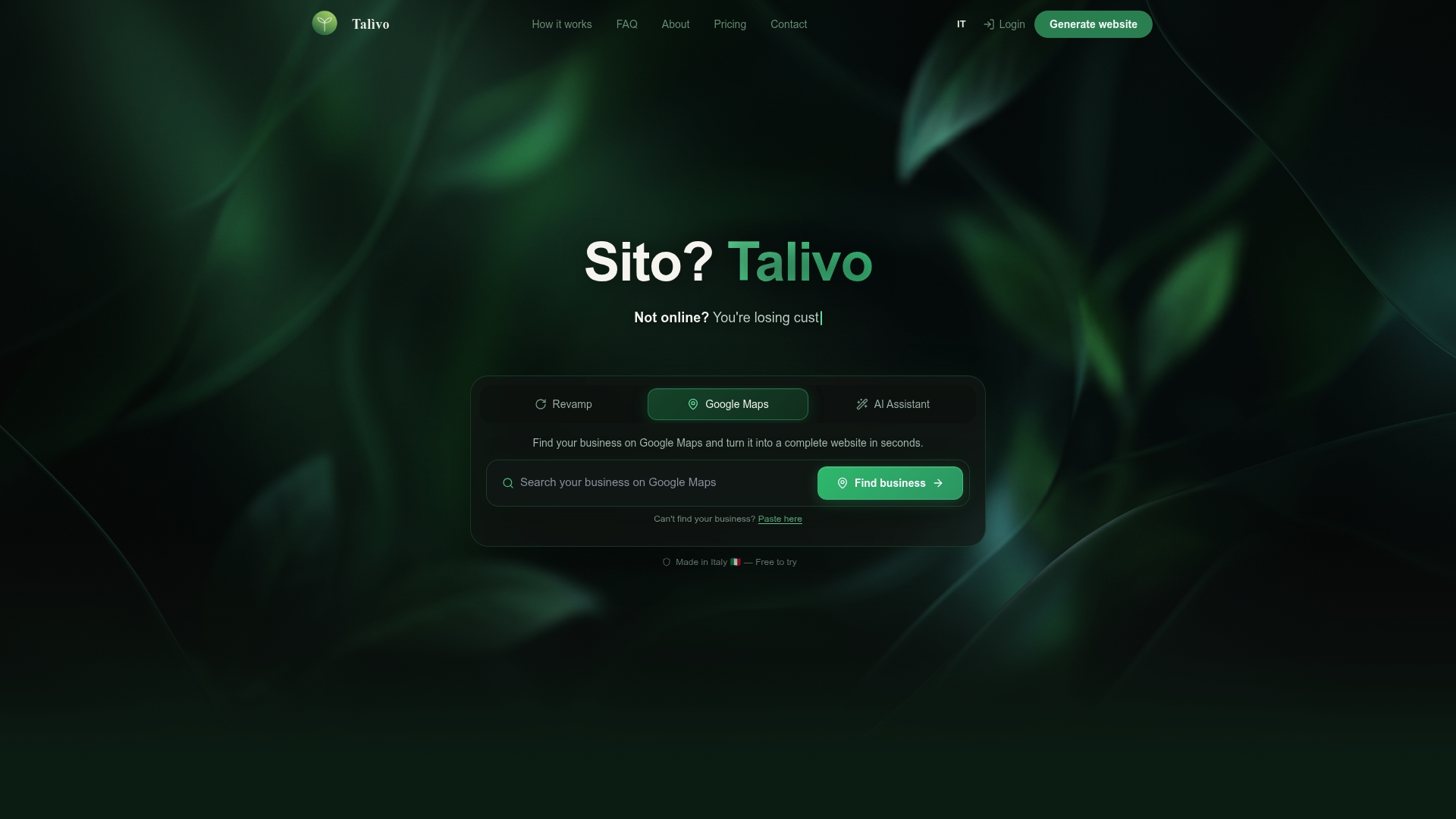
The practical case is straightforward. You paste your Google Maps URL, and Talivo pulls your listing into a live website, preserving photos, reviews, hours, and contact data. No copywriting session, no blank-canvas anxiety.
The step-by-step flow on Talivo's how-it-works page runs like this:
- Paste your Google Business Profile URL (or describe your business from scratch)
- Talivo's AI generates page structure, pulls listing content, and drafts copy
- Review and adjust the generated site in the editor
- Connect your domain and go live
Three use cases where Talivo fits best:
- A single-location hair salon already on Google Maps that needs a booking-ready site without hiring a designer
- An appointment-based wellness practice that wants its reviews and photos live on a real website, not just a Maps card
- A seasonal pop-up shop that needs a professional site for a six-week run without a long-term platform commitment
Talivo is available to U.S. businesses. Trial availability and current pricing are listed at talivo.tech.
Pro Tip: If your Google Business Profile photos are low-resolution or outdated, update them before importing. Talivo pulls what's there, so better source images mean a better-looking site from the start.
Key Takeaways
For most U.S. small businesses, the right Outlyne alternative depends on one question: do you already have a Google Business Profile, or are you starting from scratch?
| Point | Details |
|---|---|
| Google-listed businesses | Talivo converts your Maps listing into a live site without any copywriting. |
| Speed-only priority | Rapid-deploy builders launch very rapidly but need design polish afterward. |
| Non-technical owners | Guided-AI builders reduce setup errors and are worth the extra setup time. |
| Online stores | E-commerce platforms like Shopify scale far better than any rapid-deploy builder. |
| Talivo | Best pick for listing import, fast launch, and mobile-first output for U.S. service businesses. |
The real trade-off most business owners miss
The conversation around AI site builders in 2026 is almost entirely about speed. How fast can it generate? How many clicks to go live? That framing is useful, but it buries the question that actually matters six months later: can you get your content out?
Most rapid-deploy tools are built to keep you in. Export is limited, SEO controls are shallow, and the moment you outgrow the platform, you're rebuilding from scratch rather than migrating. That's not a hypothetical risk — it's the most common complaint from businesses that chose speed over portability.
The smarter move is to treat the AI generation step as a starting point, not a finished product. A site generated in 20 seconds is a draft. The businesses that get real value from these tools are the ones that spend an extra hour on metadata, URL structure, and integration setup before they hit publish. Speed gets you live; those details keep you findable.
For businesses with a Google Maps presence, Talivo's listing-import approach is genuinely different from the rest of the field. It's not just fast — it removes the blank-page problem entirely. That's a meaningful distinction for a solo operator who knows their business but doesn't know how to write website copy.
Talivo turns your Google listing into a live website today
Every platform in this article can build you a site. Talivo does something more specific: it starts from what you already have. If your business is on Google Maps, your photos, reviews, hours, and contact details become a complete, mobile-first website in minutes, with no copywriting required.
For U.S. businesses that want a professional site without a designer, a long-term contract, or a blank canvas, Talivo is the fastest path from listed to live. See exactly how it works at talivo.tech/how-it-works, or go straight to talivo.tech to start your free trial.
Useful sources for further reading
- Talivo — Build websites with AI — Primary product page; verifies the Google Business Profile import feature and core product claims.
- How Talivo Works — From prompt to live website — Step-by-step demo of the listing-to-live-site flow; useful for understanding timelines.
- AI Website Builder Step by Step: A Small Business Guide — Practical walkthrough of AI builder steps and migration planning for small businesses.
- 10 Best AI Website Builders for No-Code Design in 2025 | DigitalOcean — Market segmentation overview; source for speed benchmarks and category definitions.
- Outlyne Review: Features, Pricing & Alternatives (2026) — Third-party review explaining Outlyne's front-end focus and why businesses seek alternatives.
- AI website import & vertical packs — Revively — Partner feature page covering listing-based onboarding flows and vertical-specific setup packs.
- Online booking software for wellness businesses — Revively — Documents booking integrations for appointment-based businesses; relevant to integration planning.
- Best Outline Alternatives in 2026: 7 Tools Compared — Roundup covering common switch triggers including pricing gaps and integration limits.
- AI Website Generation Explained for Small Business Owners — Covers exportability limits and SEO implications of AI-generated sites.
- Website Creation Checklist for Entrepreneurs: 2026 Guide — Entrepreneur-focused checklist for launch and migration planning.